reCAPTCHA Enterprise score: what the reasons mean
What a reCAPTCHA Enterprise score and its reasons[] mean, why tokens fail as EXPIRED or DUPE, and minting a fresh token with ReCaptchaV3EnterpriseTaskProxyLess in Python.
 capbypass-bob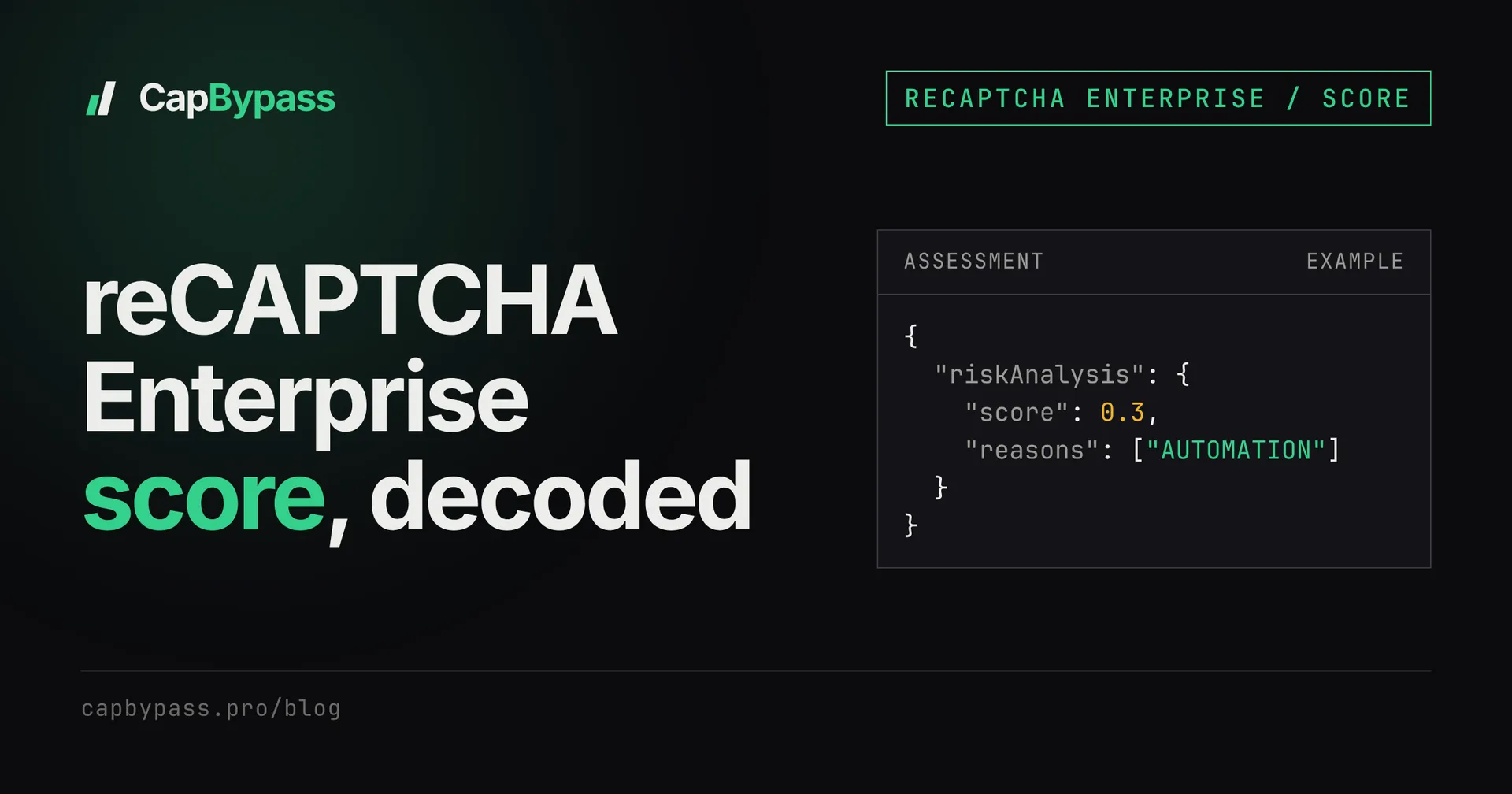
A reCAPTCHA Enterprise score is a number from 0.0 to 1.0, but the site rarely rejects you on the number alone. The assessment that produces it also returns reasons[], plus a tokenProperties block that can fail the token before the score is even read. This guide walks through each part of that response, says which ones you can change from the client, and shows the request that mints a fresh token in under a second: over the last 30 days, ReCaptchaV3EnterpriseTaskProxyLess averaged 0.8 s per solve across 582 tasks, with 97.8% success.
where the reCAPTCHA Enterprise score comes from
Classic reCAPTCHA v3 sends the token to siteverify and gets back success, score and action. Enterprise works differently. The site's backend calls createAssessment inside its own Google Cloud project, with the token, the site key and the action it expects:
curl -s "https://recaptchaenterprise.googleapis.com/v1/projects/$PROJECT_ID/assessments?key=$GCP_API_KEY" \
  -H 'Content-Type: application/json' \
  -d '{
    "event": {
      "token": "TOKEN_FROM_THE_FORM",
      "siteKey": "YOUR_ENTERPRISE_SITEKEY",
      "expectedAction": "LOGIN"
    }
  }'
Only the owner of that Cloud project can make this call. If you are testing your own site, you see the full answer. If you are automating someone else's form, you only see the outcome (a 403, a redirect, an extra challenge), and the rest of this post is how to work back from it.
reading the assessment response
Here is an example response shape for a token that was valid but scored low. The values are illustrative, not a measurement:
{
  "riskAnalysis": {
    "score": 0.3,
    "reasons": ["AUTOMATION"]
  },
  "tokenProperties": {
    "valid": true,
    "invalidReason": "INVALID_REASON_UNSPECIFIED",
    "hostname": "example.com",
    "action": "LOGIN",
    "createTime": "2026-10-15T09:12:44Z"
  }
}
Read it in this order, because that is the order most backends check it in:
tokenProperties.valid. If this isfalse, the score is meaningless.invalidReasonsays why.tokenProperties.actionagainst the action the site expected. A mismatch is usually treated as a hard reject, even with a 0.9 score.riskAnalysis.scoreagainst the site's threshold. Google suggests 0.5 as a starting point; many sites pick their own.riskAnalysis.reasons[], which explains a low score. It can be empty.
Many keys only return four score levels (0.1, 0.3, 0.7, 0.9). The full 11-level scale has to be turned on for the Cloud project, so seeing only those four values is normal and says nothing about your client.
what each reason means and what to change
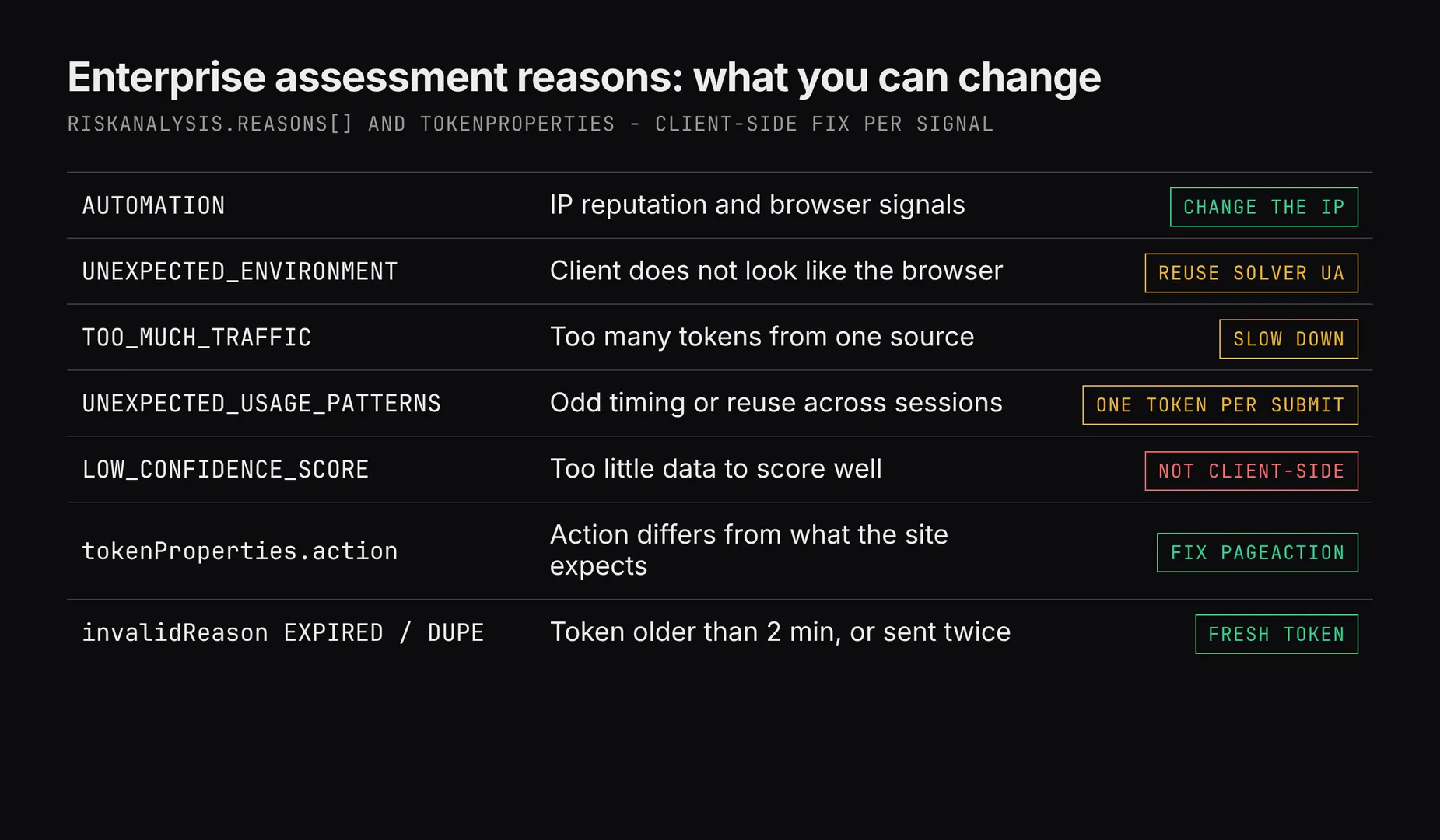
AUTOMATION: Google thinks a bot produced the token. IP reputation weighs most here, followed by the browser that ran the challenge. Change the IP the token comes from, or let a solver mint it on a cleaner one. The classic v3 side of this, with the IP numbers, is in why your reCAPTCHA v3 score is low.UNEXPECTED_ENVIRONMENT: the environment that produced the token does not look like a normal browser. When you submit a solved token, send theuserAgentthe solver returns on the same request, so the browser that minted the token and the client that submits it match.TOO_MUCH_TRAFFIC: too many tokens from one source in a short window. Spread requests out, and if you use your own proxy, rotate it.UNEXPECTED_USAGE_PATTERNS: the timing or reuse looks wrong, for example the same token shared across sessions or submitted long after it was minted. Mint one token per submit, right before you send it.LOW_CONFIDENCE_SCORE: Google had too little data to score this request well. There is nothing on the client side to fix. On your own site, treat it as "unknown", not "bad".
Google also defines SUSPECTED_CARDING and SUSPECTED_CHARGEBACK. They show up on payment flows that use fraud prevention, and they are about the transaction, not the token.
when the token itself is rejected
tokenProperties.valid: false fails the request before any score check. The invalidReason values you will actually hit:
EXPIRED: tokens live 2 minutes. Solving early and queuing the submit is the usual cause.DUPE: the token was already assessed once. A retry of the site request with the same token always hits this.MALFORMEDorMISSING: the token was cut, URL-encoded twice, or sent in the wrong field. Copy the field name from the site's own request in DevTools.BROWSER_ERROR: the challenge did not finish in the browser. Request a new token.
The action check is separate. Enterprise actions are usually upper case (LOGIN, CHECKOUT) and compared as exact strings, so login and LOGIN are two different actions. Debugging pageAction mismatches shows how to read the real value from the page.
minting a fresh Enterprise token
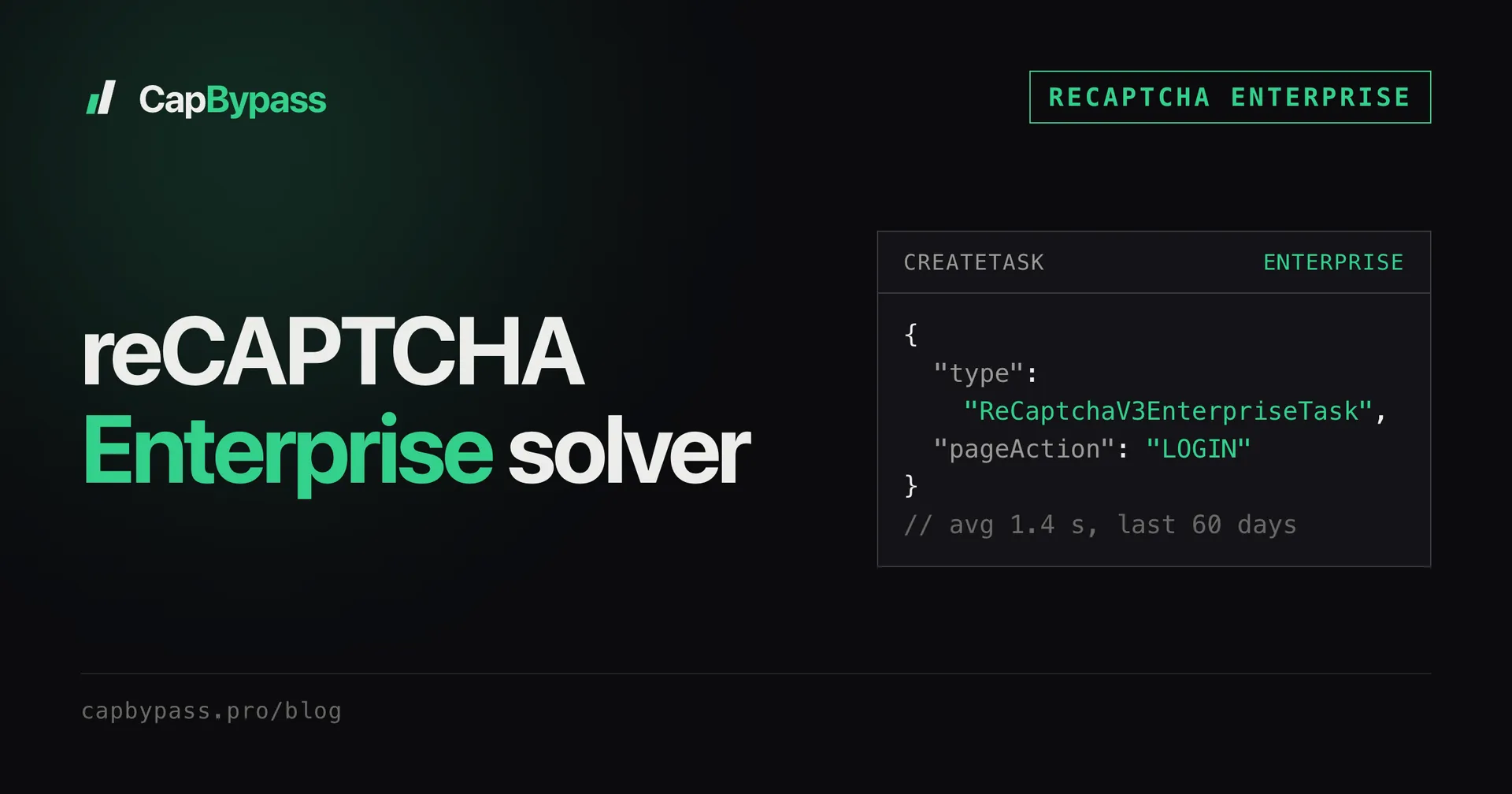
When the reasons point at the IP or the timing, the fix is a fresh token from a clean source, minted right before the submit. With the CapBypass API that is one createTask:
curl -s https://api.capbypass.pro/createTask \
  -H 'Content-Type: application/json' \
  -d '{
    "clientKey": "'"$CAPBYPASS_API_KEY"'",
    "task": {
      "type": "ReCaptchaV3EnterpriseTaskProxyLess",
      "websiteURL": "https://example.com/signin",
      "websiteKey": "YOUR_ENTERPRISE_SITEKEY",
      "pageAction": "LOGIN"
    }
  }'
# {"errorId":0,"taskId":"0c6e4f0a-2d1b-4a51-9a51-6a9f3d2b7c11"}
Then poll getTaskResult until status is ready. The loop and the errors worth retrying are in polling captcha API tasks.
The Python SDK does both steps in one call (Python SDK):
import os
import requests
from capbypass import CapBypass

client = CapBypass(api_key=os.environ["CAPBYPASS_API_KEY"])

solution = client.solve({
    "type": "ReCaptchaV3EnterpriseTaskProxyLess",
    "websiteURL": "https://example.com/signin",
    "websiteKey": "YOUR_ENTERPRISE_SITEKEY",
    "pageAction": "LOGIN",
}, timeout=60)

# submit right away: the token expires after 2 minutes and works once
res = requests.post(
    "https://example.com/api/signin",
    headers={"User-Agent": solution["userAgent"]},
    json={"username": "me", "password": os.environ["SITE_PASSWORD"],
          "recaptchaToken": solution["gRecaptchaResponse"]},
    timeout=30,
)
print(res.status_code)
Proxyless handled 582 of the 597 Enterprise tasks in the last 30 days. Use ReCaptchaV3EnterpriseTask with your own proxy only when the site ties the token to the IP that submits the form. Picking between the two, plus enterprisePayload and apiDomain, is covered in the reCAPTCHA Enterprise solver guide.
Bonus: +5% credits on every top-up
New to CapBypass? Apply code
WELCOME_2026at checkout for an extra 5% in credits on every top-up, with no minimum and no expiry. Redeem it on the top-up page and put it toward your firstReCaptchaV3EnterpriseTaskProxyLesssolves.
logging the score on your own site
If you own the key, log the four fields from the assessment on every request for a day before you set a threshold. A minimal Python version:
import os
import requests

def assess(token: str, expected_action: str) -> dict:
    url = (f"https://recaptchaenterprise.googleapis.com/v1/projects/"
           f"{os.environ['GCP_PROJECT_ID']}/assessments?key={os.environ['GCP_API_KEY']}")
    body = {"event": {"token": token, "siteKey": os.environ["RECAPTCHA_SITE_KEY"],
                      "expectedAction": expected_action}}
    a = requests.post(url, json=body, timeout=10).json()
    tp, ra = a.get("tokenProperties", {}), a.get("riskAnalysis", {})
    row = {
        "valid": tp.get("valid"),
        "invalid_reason": tp.get("invalidReason"),
        "action_ok": tp.get("action") == expected_action,
        "score": ra.get("score"),
        "reasons": ra.get("reasons", []),
    }
    print(row)
    return row
Split rejects by which check failed first. A spike in action_ok: false is a frontend bug, a spike in EXPIRED is a slow form, and only a drop in score with AUTOMATION is real bot pressure.
pricing for Enterprise tokens
Both Enterprise task types are billed per solved task, and failed tasks are refunded, so a retry after a DUPE or EXPIRED reject costs one more solve and nothing else. Current per-task prices are on the pricing page.
faq
What is a good reCAPTCHA Enterprise score? Google's suggested starting threshold is 0.5, and 0.7 or above usually reads as human. Each site sets its own cut-off, so the same score can pass on one form and fail on another.
Why does my reCAPTCHA Enterprise score stay at 0.1 or 0.3?
Those are two of the four default score levels, so the value is coarse by design. If reasons[] says AUTOMATION, the IP or the browser that minted the token is the cause, not the site key.
Can a solver raise the reCAPTCHA Enterprise score?
A solver changes where and how the token is minted, which moves the AUTOMATION side of the score. It cannot fix an action mismatch, a reused token or LOW_CONFIDENCE_SCORE. Those come from your request, not from the token's origin.
How long is a reCAPTCHA Enterprise token valid?
Two minutes, and only for one assessment. After that the site sees EXPIRED or DUPE, whatever the score was.
Is reCAPTCHA Enterprise score-based or checkbox?
Both key types exist. ReCaptchaV3EnterpriseTaskProxyLess and ReCaptchaV3EnterpriseTask cover score-based keys, the invisible kind that returns riskAnalysis.score. Use them on sites you own or have permission to test, and see the terms for what the service allows.
See the API reference for the full task schema, including the optional enterprisePayload and apiDomain fields.
Ready to start solving CAPTCHAs?
Get started with CapBypass in minutes. No credit card required.