reCAPTCHA action mismatch: find and fix the pageAction
A reCAPTCHA v3 token minted for the wrong action passes Google's check and fails the site's. How to log the real action from the page, send it as pageAction on ReCaptchaV3TaskProxyLess, and avoid the four common mismatches.
 capbypass-bob
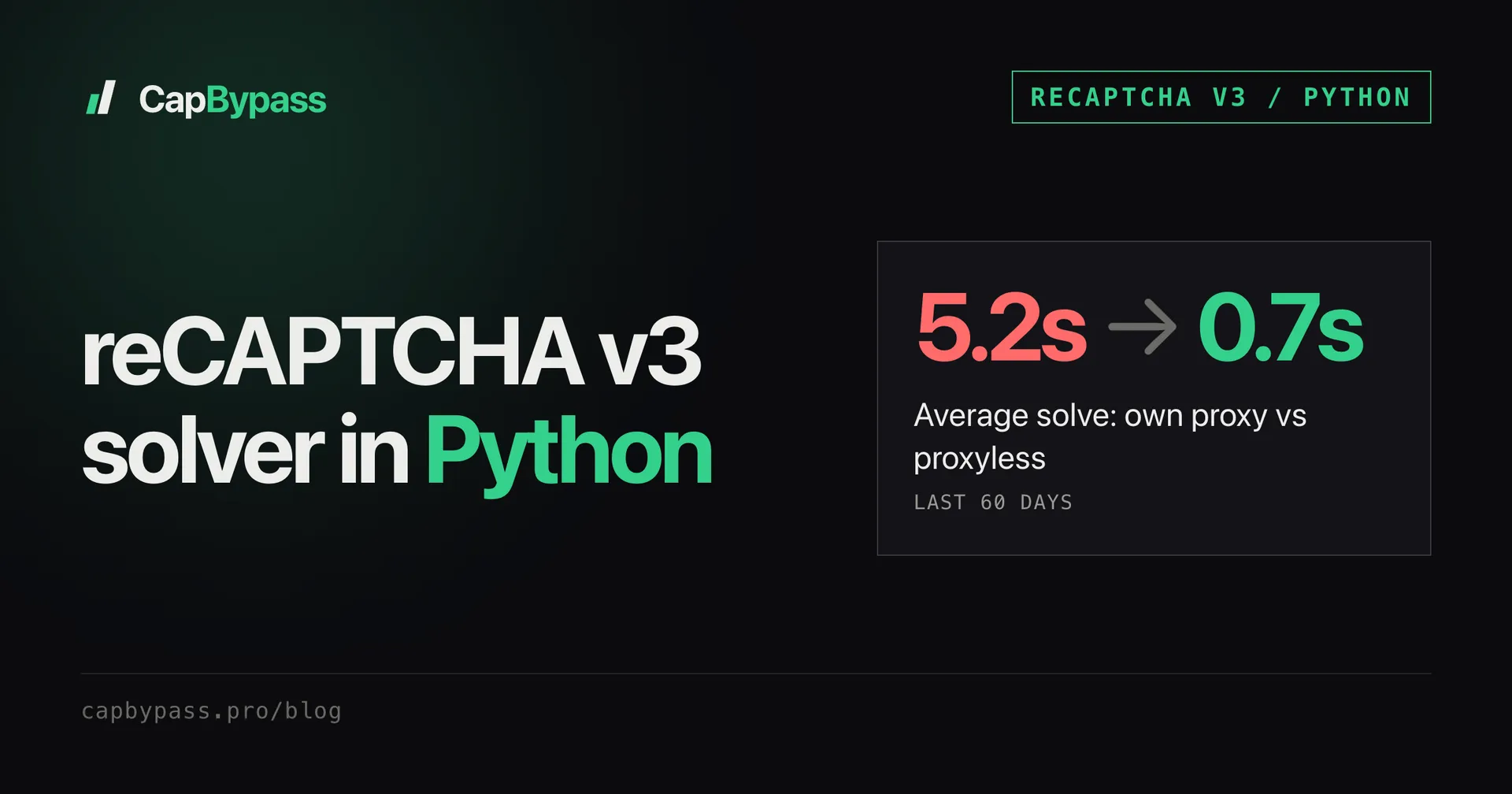
The solver returns a token, the site takes it, and the request still fails with a generic "please try again". On reCAPTCHA v3 the usual cause is an action mismatch: the token was minted for one action and the site's backend expected another. If you leave pageAction out of the task, CapBypass mints the token for the action homepage, so a login form that checks for login will reject every token you send. Last week 0.8% of Enterprise v3 tasks arrived with no action at all. This post shows how to read the exact action off the page and the four ways it goes wrong.
What an action mismatch looks like
Every v3 token carries the action it was generated for. The site's backend verifies the token with Google and gets that action back. With classic keys it comes from siteverify:
{
  "success": true,
  "score": 0.9,
  "action": "homepage",
  "challenge_ts": "2026-10-14T09:12:44Z",
  "hostname": "example.com"
}
Enterprise keys return it as tokenProperties.action in the assessment:
{
  "tokenProperties": { "valid": true, "action": "homepage", "hostname": "example.com" },
  "riskAnalysis": { "score": 0.9 }
}
Note success: true and valid: true. Google says the token is genuine. It is the site's own code that compares action with what it expected (login) and refuses the request. That's why there is no error code for this, and why the response you see is whatever the site shows for any failed check. reCAPTCHA error codes covers the failures that do come with a code.
Finding the action on the page
The action is the second argument of the execute call:
grecaptcha.execute('6LdyC2cUAAAAACGuDKpXeDorzUDWXmdqeg-xy696', { action: 'login' })
grecaptcha.enterprise.execute('6LcR...', { action: 'LOGIN' })
Searching the page source for grecaptcha.execute( finds it on simple sites. Bundled apps build the options object somewhere else, so the search often lands on { action: e }. The faster route is to log the real value at runtime. Paste this in the DevTools console before you submit the form:
for (const api of [window.grecaptcha, window.grecaptcha && window.grecaptcha.enterprise]) {
  if (!api || !api.execute) continue;
  const original = api.execute.bind(api);
  api.execute = (key, opts) => {
    console.log('[recaptcha] key=%s action=%s', key, opts && opts.action);
    return original(key, opts);
  };
}
Now submit the form and read the console. If nothing prints, the app kept its own reference to execute before you patched it. Search the bundle for .execute( in the Sources tab (Cmd/Ctrl+Shift+F), set a breakpoint on that line, submit again and read the action value when it pauses.
Some pages call execute several times with different actions, one on page load (homepage or pageview) and one on submit. You want the one that fires right before the request you're automating.
Sending the action with the task
Pass the string exactly as logged, in pageAction:
curl -s https://api.capbypass.pro/createTask \
  -H 'Content-Type: application/json' \
  -d '{
    "clientKey": "'"$CAPBYPASS_API_KEY"'",
    "task": {
      "type": "ReCaptchaV3TaskProxyLess",
      "websiteURL": "https://example.com/login",
      "websiteKey": "6LdyC2cUAAAAACGuDKpXeDorzUDWXmdqeg-xy696",
      "pageAction": "login"
    }
  }'
The same with the Python SDK, which creates the task and polls it for you:
import os
from capbypass import CapBypass

client = CapBypass(api_key=os.environ["CAPBYPASS_API_KEY"])

solution = client.solve({
    "type": "ReCaptchaV3TaskProxyLess",
    "websiteURL": "https://example.com/login",
    "websiteKey": "6LdyC2cUAAAAACGuDKpXeDorzUDWXmdqeg-xy696",
    "pageAction": "login",  # exactly what grecaptcha.execute received
}, timeout=120)

print(solution["gRecaptchaResponse"][:40])
For an Enterprise key, change the type to ReCaptchaV3EnterpriseTaskProxyLess and keep the same field. If you run your own create/poll loop, the intervals and timeouts are in polling captcha API tasks.
Bonus: +5% credits on every top-up
New to CapBypass? Apply code
WELCOME_2026at checkout for an extra 5% in credits on every top-up, with no minimum and no expiry. Redeem it on the top-up page and put it toward your firstReCaptchaV3TaskProxyLesssolves.
The four mismatch patterns
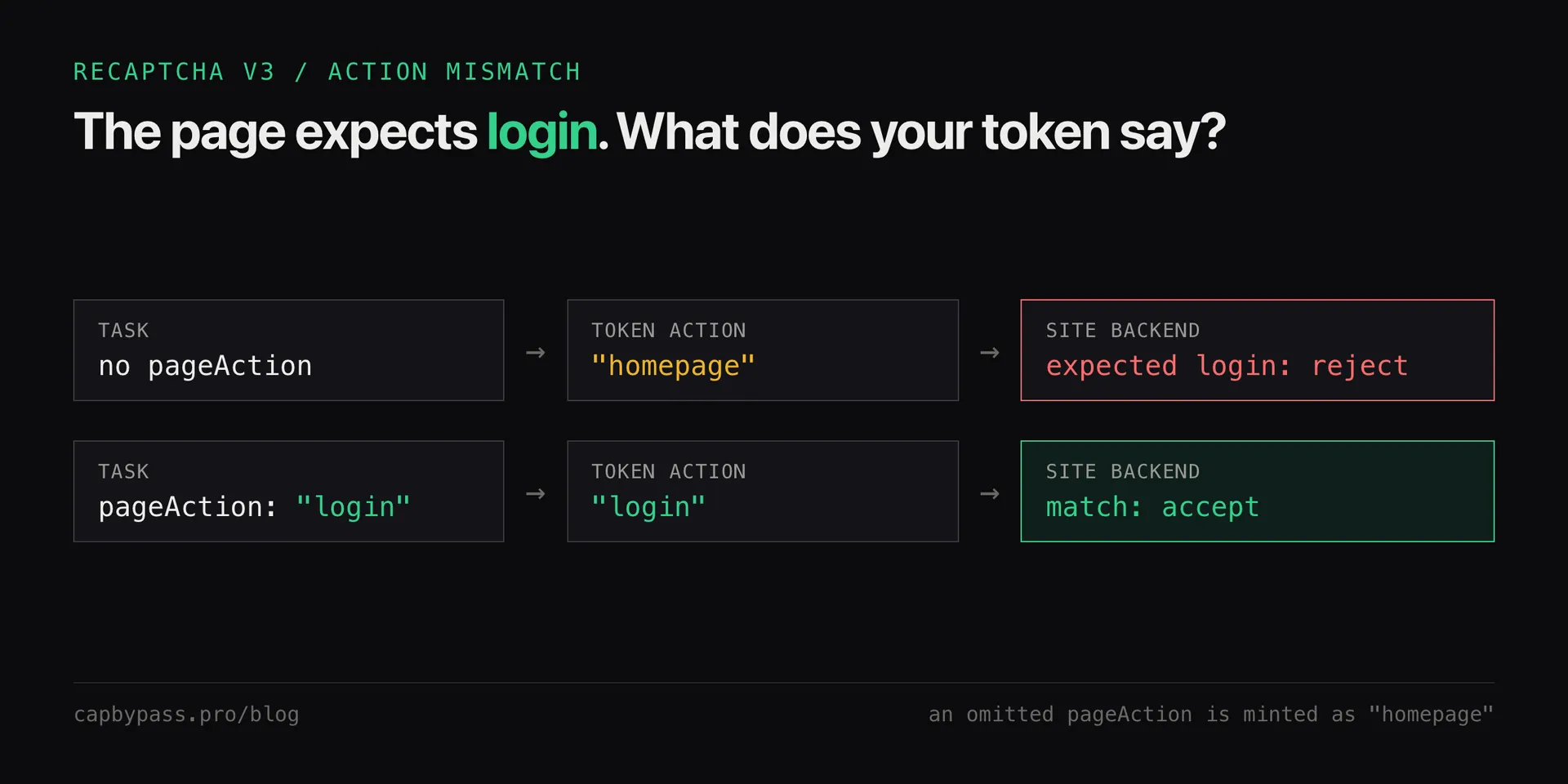
- No action sent. The token is minted as
homepage. This works only on pages whose own execute call useshomepage. Always sendpageAction, even when you think the default fits. - Wrong case or spelling. The comparison is a plain string match on the site's side, so
Login,loginandLOGINare three different actions. Enterprise integrations often use upper case. Copy the logged value, don't retype it. - Right action, wrong step. A checkout flow can run
add_to_cart,checkoutandpurchaseon the same page. Reusing the action from the first step on the last request fails. Match the action to the request that carries the token. - Action built at runtime. Some apps derive it from the route or form id (
submit_contact,submit_newsletter). Log it for each form you automate instead of assuming one value per site.
Not an action problem, but often confused with one: a token older than 2 minutes or used twice. Google then reports timeout-or-duplicate and the site fails the same way. Solve right before the submit.
Checking the fix
If you own the site, log the action (or tokenProperties.action) next to each verification result. One line per request settles the question in minutes.
If you don't have the backend, compare the request the browser sends with yours in DevTools: same endpoint, same token field name, same action. Once the action matches and the request still fails, the problem is the score, not the action: why your reCAPTCHA v3 score is low walks through that side. All task fields are listed on the reCAPTCHA v3 docs page.
Ready to start solving CAPTCHAs?
Get started with CapBypass in minutes. No credit card required.