reCAPTCHA Enterprise solver: detect, solve, submit
How to spot an Enterprise key, when to use ReCaptchaV3EnterpriseTaskProxyLess vs ReCaptchaV3EnterpriseTask, working curl, Python and TypeScript code, enterprisePayload and apiDomain, and the production failures worth retrying.
 capbypass-bob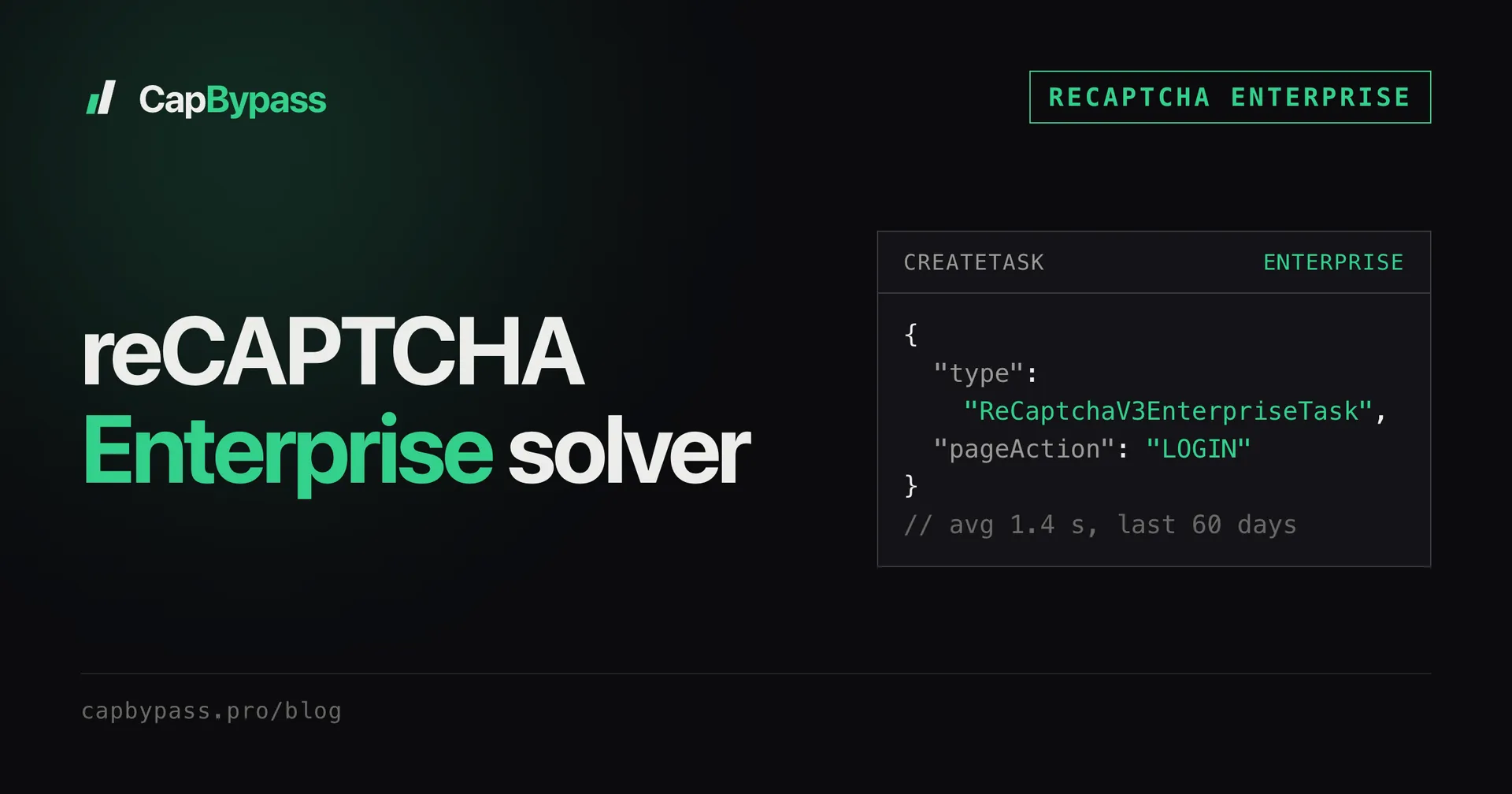
A reCAPTCHA Enterprise solver has to do one thing a classic solver doesn't: mint the token through grecaptcha.enterprise, because the site verifies it with a Google Cloud assessment instead of siteverify. Send a classic v3 task to an Enterprise key and you get a token back, but the site's assessment marks it invalid. With the right task type, Enterprise proxyless solves took 0.4 s at the median and 2.0 s at p95 over the last 7 days. This guide covers how to tell Enterprise from classic, the two Enterprise task types, working code, and what fails in production.
reCAPTCHA Enterprise vs reCAPTCHA v3
Both are score-based and invisible. The difference is where the site sends the token and which script mints it.
| Classic reCAPTCHA v3 | reCAPTCHA Enterprise (score) | |
|---|---|---|
| Script | /recaptcha/api.js?render=<key> |
/recaptcha/enterprise.js?render=<key> |
| Execute call | grecaptcha.execute(key, {action}) |
grecaptcha.enterprise.execute(key, {action}) |
| Backend check | siteverify with a secret |
createAssessment in a Google Cloud project |
| Action in the result | action |
tokenProperties.action |
| CapBypass task | ReCaptchaV3TaskProxyLess / ReCaptchaV3Task |
ReCaptchaV3EnterpriseTaskProxyLess / ReCaptchaV3EnterpriseTask |
Open DevTools, filter the Network tab on recaptcha, and look at the script name. enterprise.js means Enterprise, even if the page also loads api.js for another widget. Some sites load it from www.recaptcha.net instead of www.google.com; that matters later for apiDomain.
This guide covers score-based Enterprise keys, the kind that runs invisibly. Checkbox Enterprise keys are not available as a public task type today.
Picking the task type
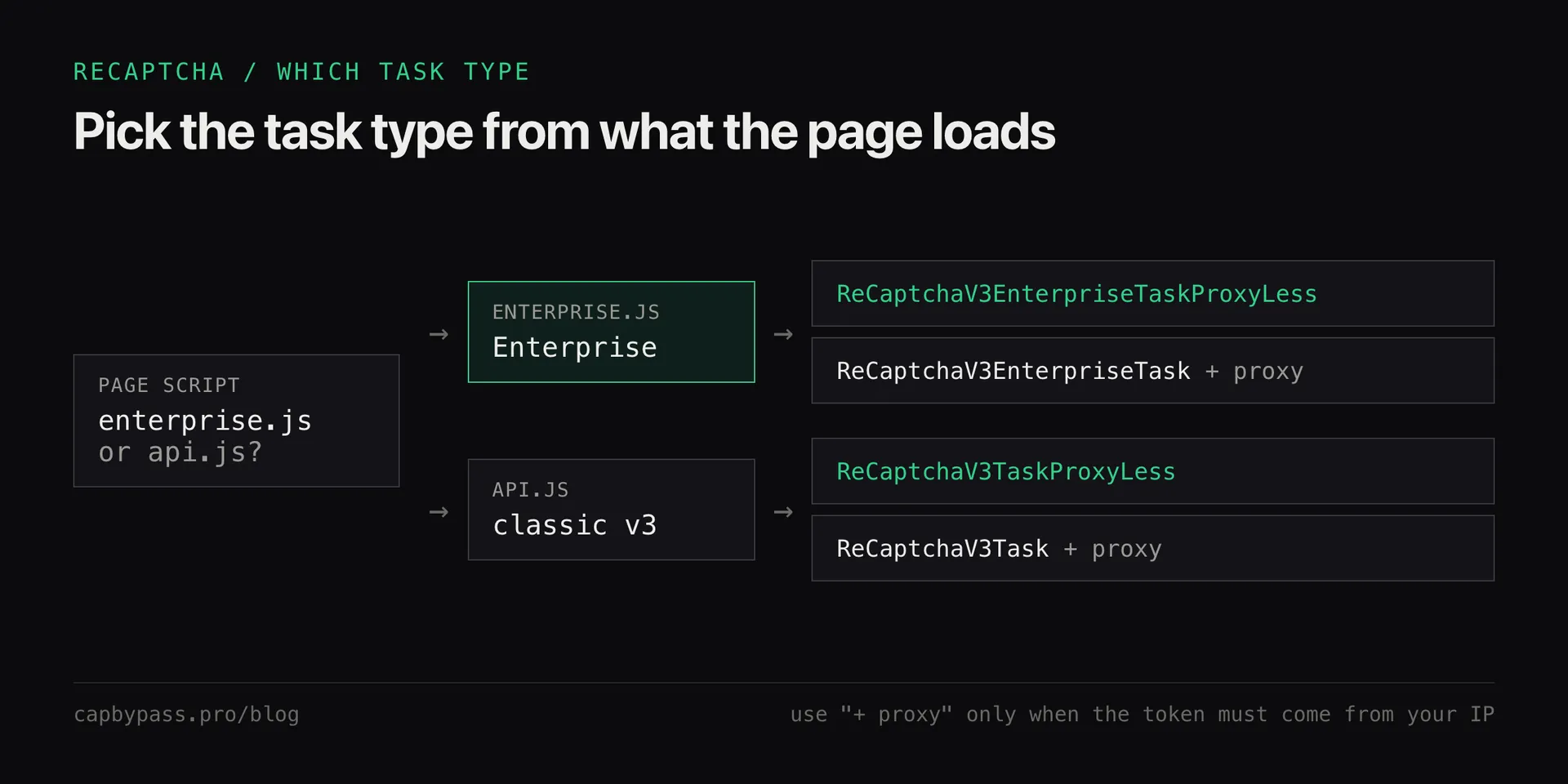
ReCaptchaV3EnterpriseTaskProxyLesssolves from our network. Start here.ReCaptchaV3EnterpriseTasktakes yourproxy(host:port:user:pass, see the proxy format) and solves through that IP. Over the last 60 days it succeeded on 98.8% of tasks with a 1.4 s average. Use it when the token has to come from a specific IP.
The score Google assigns follows the IP that runs the solve. If tokens pass the assessment but the score is too low for the site, the fix is a better IP, not a different task type: why your reCAPTCHA v3 score is low explains how much the IP weighs.
Solving with curl
curl -s https://api.capbypass.pro/createTask \
  -H 'Content-Type: application/json' \
  -d '{
    "clientKey": "'"$CAPBYPASS_API_KEY"'",
    "task": {
      "type": "ReCaptchaV3EnterpriseTaskProxyLess",
      "websiteURL": "https://example.com/signin",
      "websiteKey": "YOUR_ENTERPRISE_SITEKEY",
      "pageAction": "LOGIN"
    }
  }'
# {"errorId":0,"taskId":"0c6e4f0a-2d1b-4a51-9a51-6a9f3d2b7c11"}
Poll getTaskResult with the taskId until status is ready:
{
  "errorId": 0,
  "status": "ready",
  "solution": {
    "gRecaptchaResponse": "03AFcWeA4...",
    "userAgent": "Mozilla/5.0 ...",
    "secChUa": "\"Chromium\";v=\"136\", ..."
  }
}
Given the 2.0 s p95, poll every second and stop at 60 s. The general loop, with which errors to retry, is in polling captcha API tasks.
Solving in Python and TypeScript
The SDKs create the task and poll it in one call. Python (SDK docs):
import os
from capbypass import CapBypass
from capbypass.errors import SolverError, TimeoutError

client = CapBypass(api_key=os.environ["CAPBYPASS_API_KEY"])

try:
    solution = client.solve({
        "type": "ReCaptchaV3EnterpriseTaskProxyLess",
        "websiteURL": "https://example.com/signin",
        "websiteKey": "YOUR_ENTERPRISE_SITEKEY",
        "pageAction": "LOGIN",
    }, timeout=60)
except (SolverError, TimeoutError) as e:
    raise SystemExit(f"enterprise solve failed: {e}")

token = solution["gRecaptchaResponse"]
user_agent = solution["userAgent"]  # send it on the request that carries the token
TypeScript (SDK docs):
import { CapBypassClient, TaskType } from '@capbypass/sdk';

const client = new CapBypassClient({ apiKey: process.env.CAPBYPASS_API_KEY });

const solution = await client.solve({
  type: TaskType.RECAPTCHA_V3_ENTERPRISE_PROXYLESS,
  websiteURL: 'https://example.com/signin',
  websiteKey: 'YOUR_ENTERPRISE_SITEKEY',
  pageAction: 'LOGIN',
}, 60);

const res = await fetch('https://example.com/api/signin', {
  method: 'POST',
  headers: { 'Content-Type': 'application/json', 'User-Agent': solution.userAgent },
  body: JSON.stringify({ username: 'me', password: '...', recaptchaToken: solution.gRecaptchaResponse }),
});
console.log(res.status);
Submit the token within 2 minutes and only once. The field name is whatever the site's own request uses; copy it from DevTools.
Bonus: +5% credits on every top-up
New to CapBypass? Apply code
WELCOME_2026at checkout for an extra 5% in credits on every top-up, with no minimum and no expiry. Redeem it on the top-up page and put it toward your firstReCaptchaV3EnterpriseTaskProxyLesssolves.
Passing enterprisePayload and apiDomain
Two optional fields cover the Enterprise pages that don't follow the default pattern:
enterprisePayload: an object of extra options the page passes togrecaptcha.enterprise.execute()besidesaction. If the execute call on the page has more keys thanaction, copy them here verbatim.apiDomain: set torecaptcha.netwhen the page loadsenterprise.jsfromwww.recaptcha.net.
{
  "type": "ReCaptchaV3EnterpriseTaskProxyLess",
  "websiteURL": "https://example.com/signin",
  "websiteKey": "YOUR_ENTERPRISE_SITEKEY",
  "pageAction": "LOGIN",
  "enterprisePayload": { "s": "VALUE_FROM_THE_PAGE" },
  "apiDomain": "recaptcha.net"
}
Leave both out unless the page uses them. Extra fields the page never sends don't help the score.
What fails in production
One failure comes from our side, measured over the last 7 days of production logs. The other three happen on the site's side:
ERROR_TASK_QUEUE_FULL, 3.7% of proxyless Enterprise tasks. Traffic arrived faster than capacity for a few seconds. The task ends asfailedand is refunded. Create a new task after 2 to 5 seconds instead of failing the whole job.- Action mismatch. Enterprise actions are often upper case (
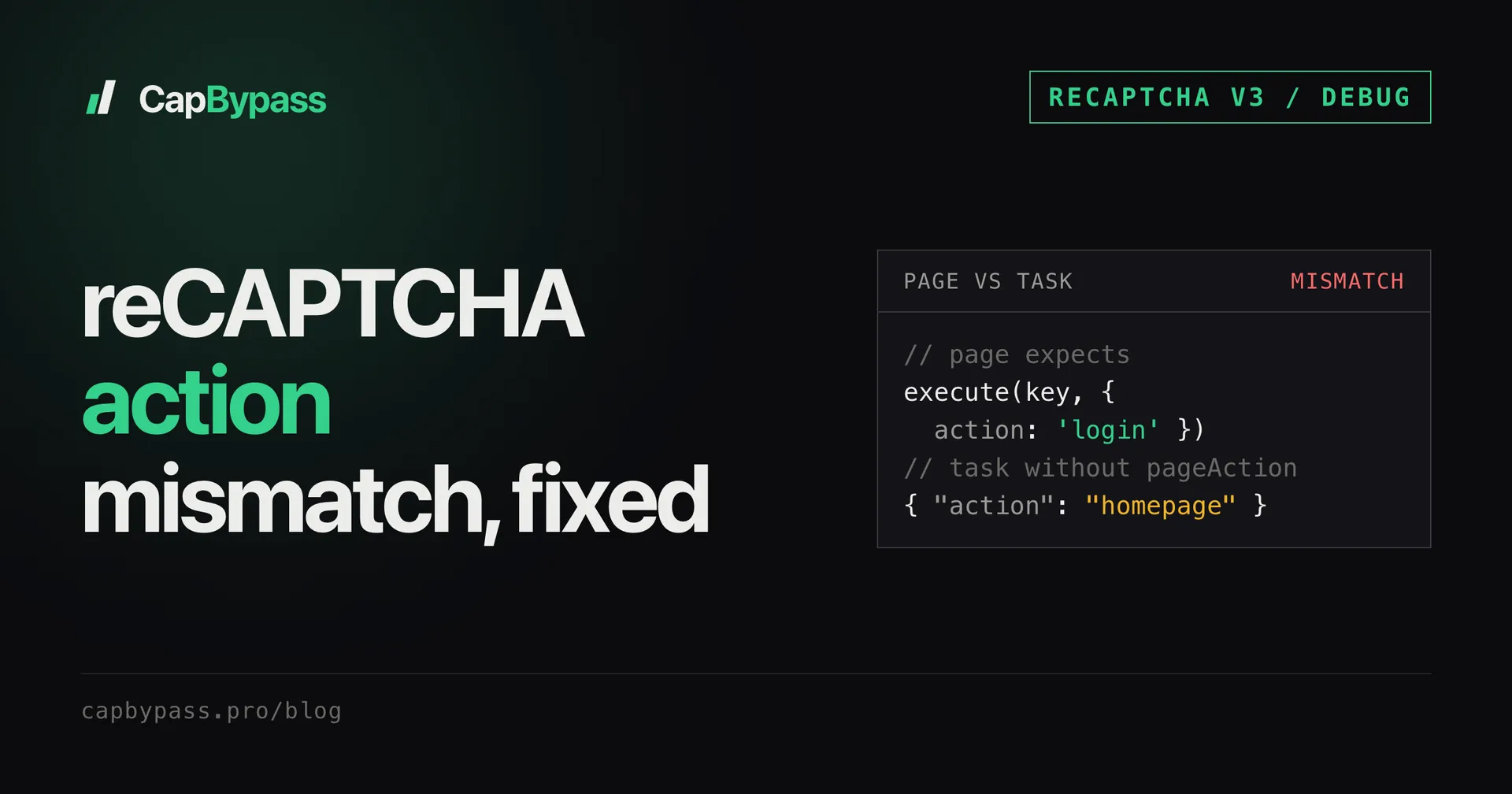
LOGIN,CHECKOUT) and the site compares them as exact strings againsttokenProperties.action. Log the real value from the page, as shown in reCAPTCHA action mismatch. - Classic type on an Enterprise key. The solve succeeds, the assessment reports the token invalid. Check for
enterprise.jsbefore anything else. - Expired token. Solved too early, or reused after a retry of the site request. Mint a new one per submit.
Every failed task is refunded, so retrying with a new task costs nothing extra.
FAQ
Is reCAPTCHA Enterprise harder to solve than reCAPTCHA v3? Not for the API caller. The request has the same fields plus two optional ones. The difference is on the site's side: an Enterprise assessment can return reason codes alongside the score, so a bad IP or a wrong action is easier for the site to spot.
How fast is the reCAPTCHA Enterprise solver?
Over the last 7 days ReCaptchaV3EnterpriseTaskProxyLess had a 0.4 s median and a 2.0 s p95 solve time. The proxied type averaged 1.4 s over 60 days.
Does CapBypass support reCAPTCHA v2 Enterprise? There is no separate v2 Enterprise task type, and checkbox reCAPTCHA is not sold as a public task today. The Enterprise task types cover score-based (v3-style) keys.
Can I verify the token myself?
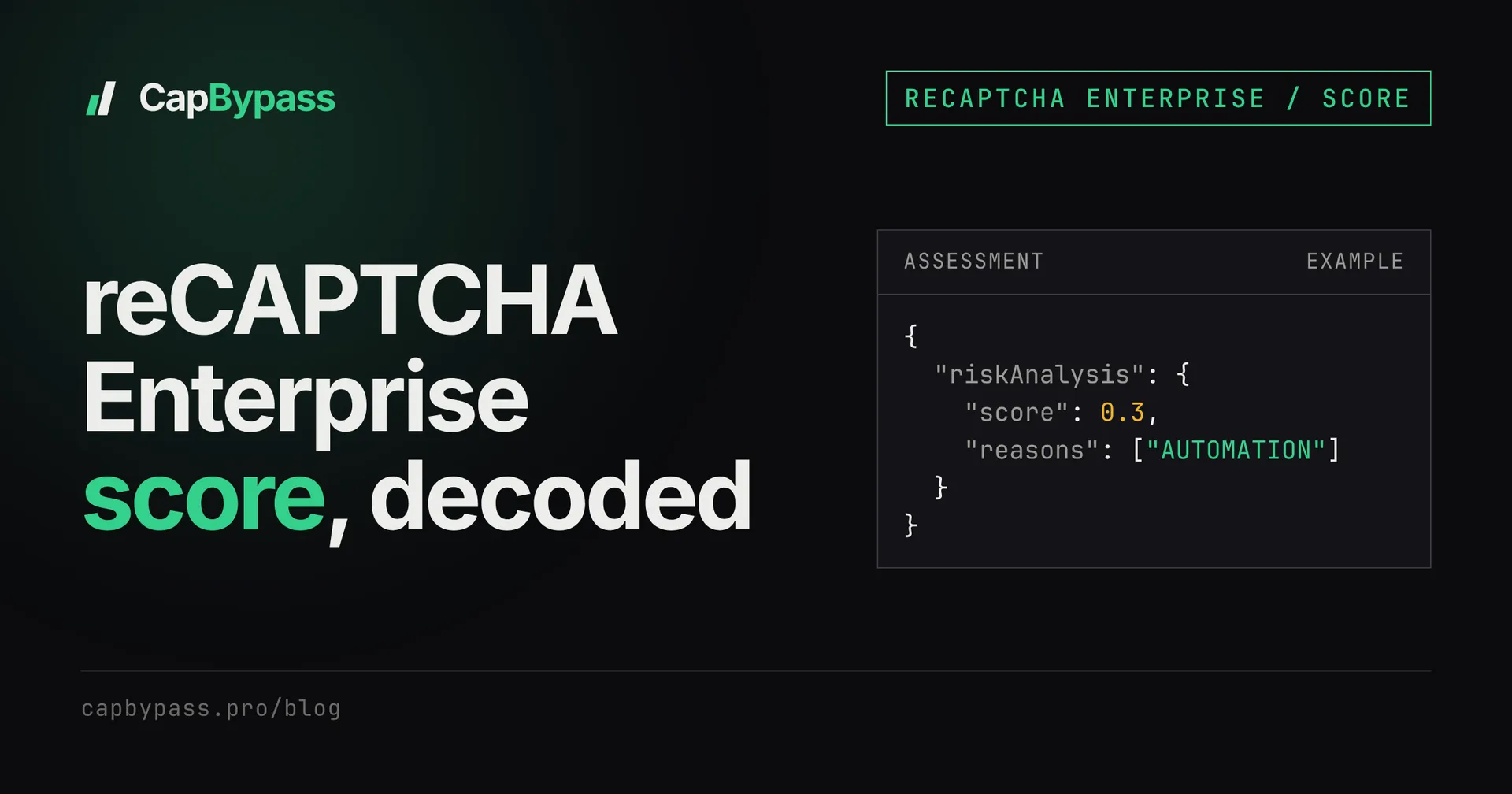
Only with the site's Google Cloud project, because createAssessment needs its credentials. If it's your own site, log tokenProperties.valid, tokenProperties.action and riskAnalysis.score for each request. That is the fastest way to tell an action problem from a score problem.
Is solving reCAPTCHA Enterprise legal? It depends on the site's terms and where you operate. Use it on sites you own or have permission to test, and read our terms for what the service allows.
Ready to start solving CAPTCHAs?
Get started with CapBypass in minutes. No credit card required.