AWS WAF mobile SDK tokens for native app APIs
Native app APIs behind the AWS WAF mobile SDK reject server requests without a mobile-minted aws-waf-token. One AntiAwsWafMobileTask call returns one, with Python and TypeScript code and a way to tell a WAF block from an app error.
 capbypass-bob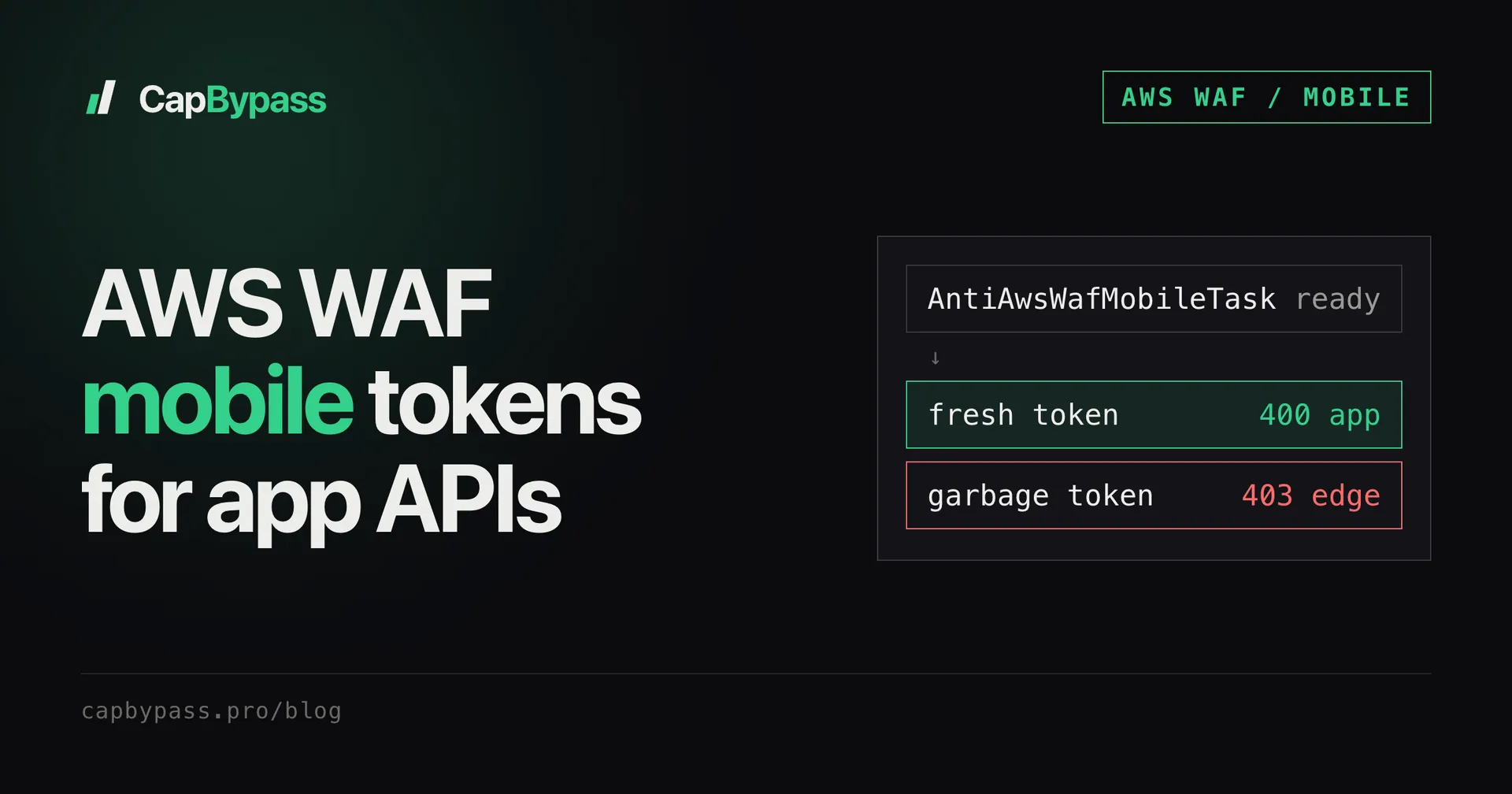
Your app's API works in the phone but every request from your server comes back as an HTML page instead of JSON. That page is AWS WAF: the API expects an aws-waf-token cookie minted by the AWS WAF mobile SDK, and there is no challenge.js to solve because the app never loads one. AntiAwsWafMobileTask returns a fresh mobile token in about 1-3 seconds, with no URL, parameters or proxy.
How the mobile SDK protects an API
On the web, AWS WAF injects a JavaScript challenge into a page and the browser earns the token. Native apps skip all of that. The iOS and Android SDKs compute a proof-of-work over device signals inside the app, get an aws-waf-token back, and attach it to every API call:
POST /api/v2/auth/login HTTP/2
Host: api.example-app.com
User-Agent: ExampleApp/5.4 CFNetwork/1494 Darwin/23.4.0
Cookie: aws-waf-token=8f3a1c2e-...:DAoA...:...
Content-Type: application/json
The WAF sits at the edge, in front of the app. It reads that cookie before your request reaches any application code. No cookie, an expired cookie or a forged one, and the edge answers for the app.
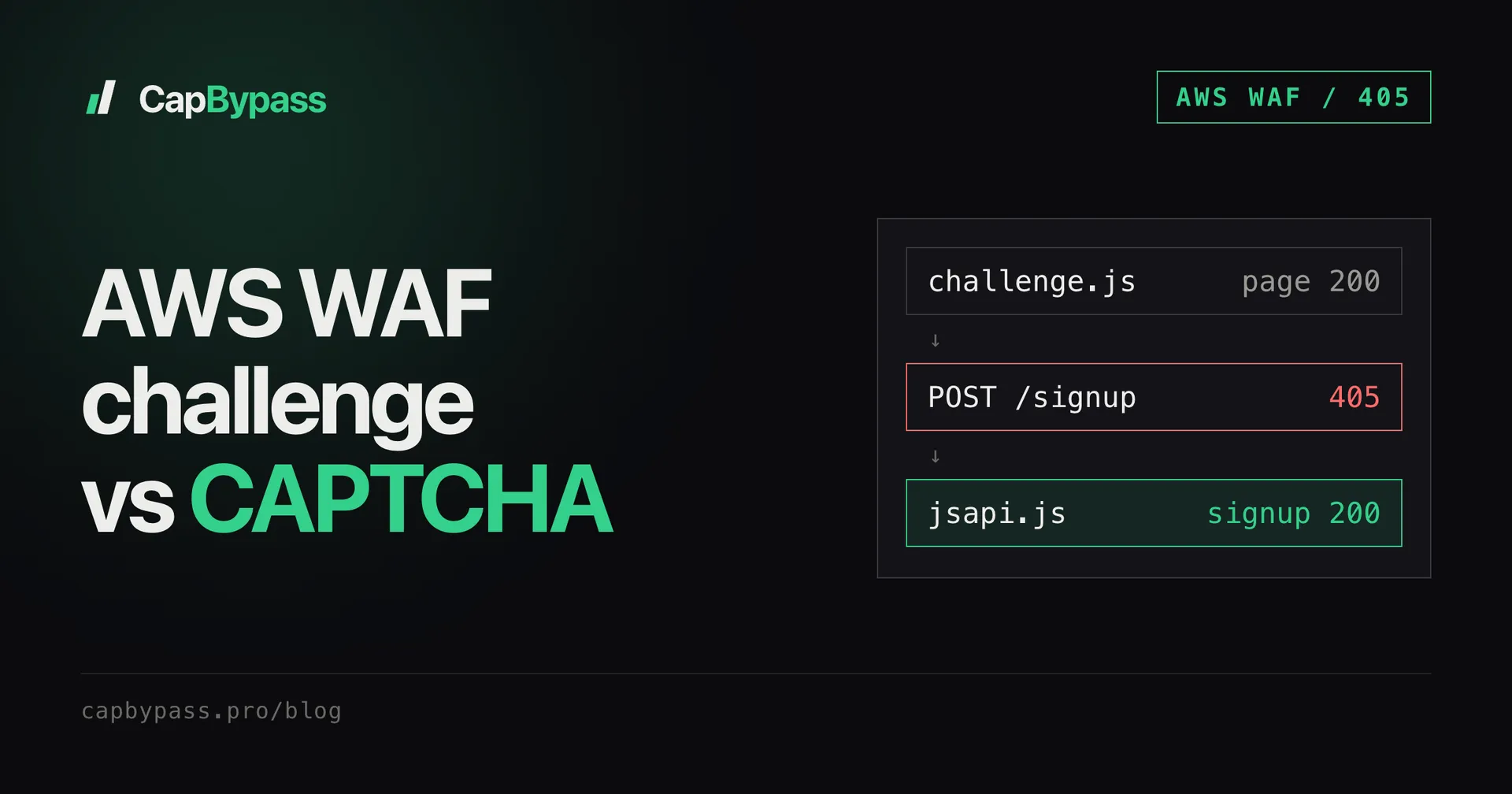
This is why the web task types don't help here. AntiAwsWafTaskProxyLess and AntiAwsWafTask solve a page challenge and return a cookie scoped to that site. A mobile API checks for a token produced by the mobile SDK, so you need a mobile-minted token.
Telling a WAF block from an app error
Before you integrate anything, learn to read the responses, because a passing request often still returns an error status.
We ran a controlled test against a mobile login endpoint: same IP, same request body, sent at the same moment, only the token changed. The body was an empty claims: {} object, so the app could never accept it as a real login.
| Token | HTTP status | Who answered |
|---|---|---|
| fresh mobile token | 400 | the app, as JSON (a "phone number required" style error) |
| garbage string | 403 | the AWS WAF edge, as HTML ("Connection unavailable") |
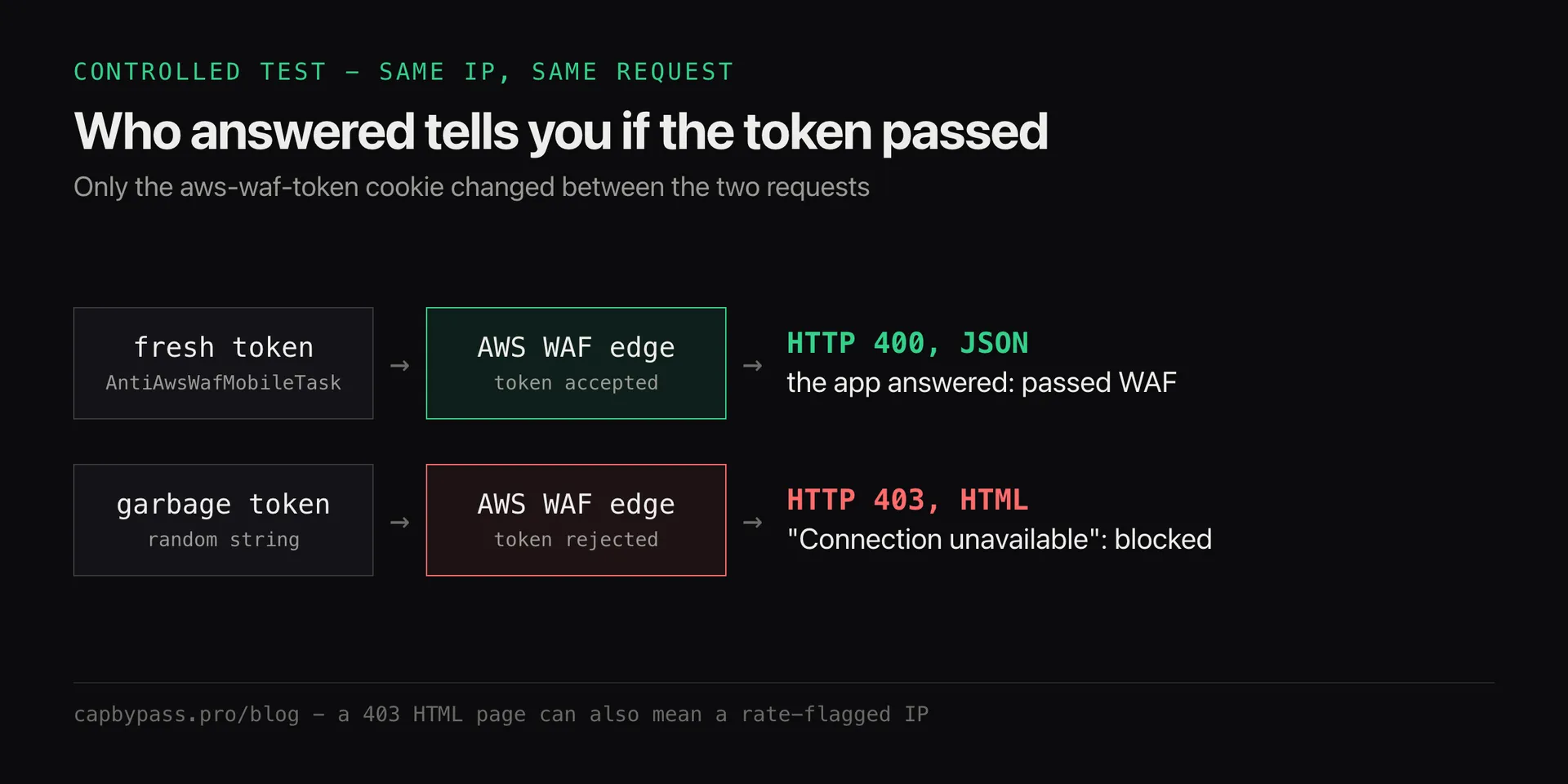
The status number is not the signal. The responder is. A JSON body in the app's own error format means the token passed the WAF and your request reached the application, even if it was a 400. An HTML body on a 403 means the edge stopped you.
One caveat: a 403 HTML page can also come from IP reputation. If the egress IP is rate-flagged, the edge blocks it even with a valid token. When a fresh token still gets HTML, retry from a clean IP before blaming the token.
Getting a token with CapBypass
The task takes one field. No websiteURL, no awsChallengeJS, no proxy.
curl -s https://api.capbypass.pro/createTask \
  -H 'Content-Type: application/json' \
  -d '{
    "clientKey": "'"$CAPBYPASS_API_KEY"'",
    "task": { "type": "AntiAwsWafMobileTask" }
  }'
# {"errorId":0,"taskId":"0b6c0f4e-..."}
Poll getTaskResult with that taskId (interval and timeout advice in polling captcha API tasks). The ready result looks like this:
{
  "errorId": 0,
  "status": "ready",
  "solution": {
    "token": "8f3a1c2e-...:DAoA...:...",
    "cookie": "aws-waf-token=8f3a1c2e-...:DAoA...:...",
    "userAgent": "ExampleApp/... CFNetwork/... Darwin/...",
    "captchaMethod": "mobile_sdk_pow"
  }
}
cookie is ready to drop into a Cookie header. token is the raw value if you build the header yourself. userAgent is the app user agent the token was minted with. Send it too, so the request matches what the app sends.
Coverage is per app: the token is minted for a specific target app. Before you build on it, ask support on Discord to confirm the app you are working on is covered.
Python
The Python SDK wraps create and poll in one call:
import os

import requests
from capbypass import CapBypass

client = CapBypass(api_key=os.environ["CAPBYPASS_API_KEY"])

def call_protected_api(url: str, payload: dict) -> requests.Response:
    # one token per protected call: tokens are single-use
    solution = client.solve({"type": "AntiAwsWafMobileTask"}, timeout=60)
    headers = {
        "Cookie": solution["cookie"],
        "User-Agent": solution["userAgent"],
        "Content-Type": "application/json",
    }
    return requests.post(url, json=payload, headers=headers, timeout=20)

resp = call_protected_api("https://api.example-app.com/api/v2/auth/login", {"claims": {}})
print(resp.status_code, resp.headers.get("content-type"))
TypeScript
AntiAwsWafMobileTask is not in the TypeScript SDK's TaskType constants yet, so this uses fetch directly (Node 18+):
const API = 'https://api.capbypass.pro';
const clientKey = process.env.CAPBYPASS_API_KEY!;

async function mobileToken(): Promise<{ cookie: string; userAgent: string }> {
  const created = await fetch(`${API}/createTask`, {
    method: 'POST',
    headers: { 'Content-Type': 'application/json' },
    body: JSON.stringify({ clientKey, task: { type: 'AntiAwsWafMobileTask' } }),
  }).then((r) => r.json());
  if (created.errorId) throw new Error(created.errorCode);

  for (let i = 0; i < 30; i++) {
    await new Promise((r) => setTimeout(r, 1000));
    const res = await fetch(`${API}/getTaskResult`, {
      method: 'POST',
      headers: { 'Content-Type': 'application/json' },
      body: JSON.stringify({ clientKey, taskId: created.taskId }),
    }).then((r) => r.json());
    if (res.status === 'ready') return res.solution;
    if (res.status === 'failed' || res.errorId) throw new Error(res.errorCode);
  }
  throw new Error('timed out waiting for token');
}

const { cookie, userAgent } = await mobileToken();
const resp = await fetch('https://api.example-app.com/api/v2/auth/login', {
  method: 'POST',
  headers: { Cookie: cookie, 'User-Agent': userAgent, 'Content-Type': 'application/json' },
  body: JSON.stringify({ claims: {} }),
});
console.log(resp.status, resp.headers.get('content-type'));
Bonus: +5% credits on every top-up
New to CapBypass? Apply code
WELCOME_2026at checkout for an extra 5% in credits on every top-up, with no minimum and no expiry. Redeem it on the top-up page and put it toward your firstAntiAwsWafMobileTasksolves.
Using the token from your own IP
Mobile tokens are not tied to the IP that minted them. You present the token from your own server, which is why the task needs no proxy and why AntiAwsWafMobileTask has no ProxyLess twin. The gateway ignores a proxy field on this task type.
That shifts the IP question to you. The token gets you past the token check, and your egress IP still has to pass whatever rate rules the WAF applies. Spread high-volume traffic across clean IPs the same way you would for any API client.
Things that go wrong
- Reusing a token. Tokens are single-use and live for about 2 minutes. Request one per protected call and send it right away. Caching a token for the next request gets you the HTML 403.
- HTML 403 with a fresh token. Check the IP first (see the caveat above). If a clean IP still gets HTML, the app may use a different WAF integration than the one covered: send support the endpoint.
- Wrong user agent. Send
solution.userAgent, not your HTTP library's default. A desktop browser UA next to a mobile token is an easy mismatch to flag. - Mixing up task types. If the protected thing is a web page that loads
challenge.jsorjsapi.js, use the web tasks instead. AWS WAF challenge vs CAPTCHA explains which script to send, and bypassing AWS WAF in Python covers the page flow end to end.
FAQ
Does AntiAwsWafMobileTask need a proxy?
No. The task takes only type. The token is not bound to the minting IP, so you present it from your own server, and a proxy field on this task is ignored.
How long does a mobile aws-waf-token last? About 2 minutes, and each token is single-use. Fetch a new one for every protected request instead of caching it.
How do I know the token worked if the API still returns an error? Look at who answered. A JSON error in the app's own format means the request passed AWS WAF and reached the app. An HTML "Connection unavailable" page on a 403 means the edge blocked it.
Does it work for any app? Tokens are minted per target app, so coverage is confirmed app by app. Ask support to confirm the app before you build on it. Use it on apps you own or have permission to test.
What does it cost? The same as the web AWS WAF tasks. Current prices are on the pricing page, and failed tasks are not charged.
For the full field list and the web task types, see the API reference.
Ready to start solving CAPTCHAs?
Get started with CapBypass in minutes. No credit card required.