GeeTest v4 API tutorial with curl, Python, and TypeScript
Create and poll GeeTest v4 tasks with curl, Python, and TypeScript, then handle the structured ready response in authorized flows.
 capbypass-bob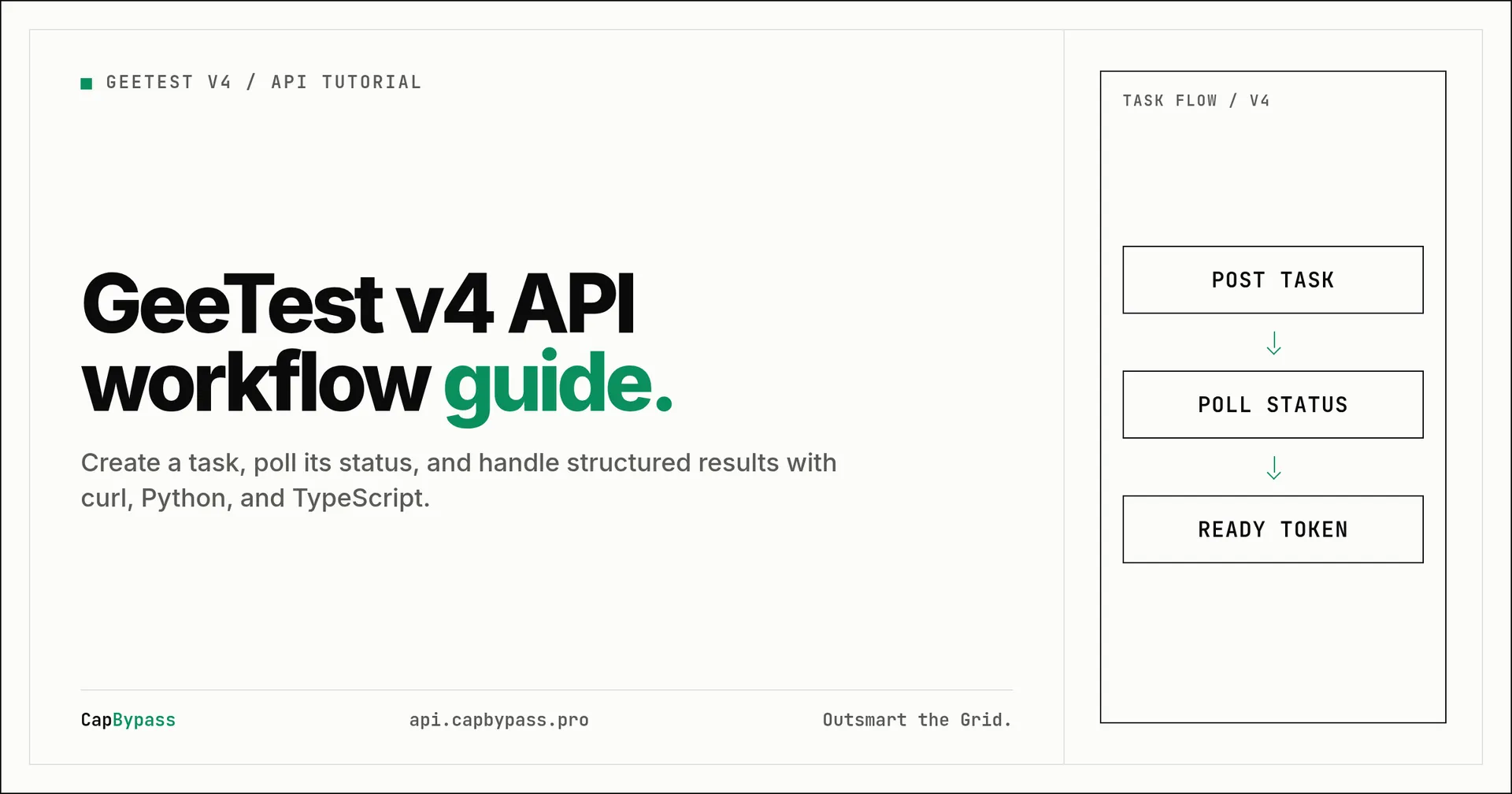
GeeTest v4 API tutorial with curl, Python, and TypeScript
GeeTest v4 integration starts with the right task type and the values that the protected page actually exposes. CapBypass currently lists GeeTest as Live, and its live GeeTest solver page identifies GeetestTask as its task type. This tutorial uses GeetestTask for a GeeTest v4 flow, where the request contains a captchaId and no v3 challenge field.
Use this only on pages you own or are authorized to automate. A solved response is not a general browser session. Send the returned GeeTest fields to the same authorized verification flow that normally receives the browser result.
Identify a GeeTest v4 challenge
Open the authorized page in browser developer tools and inspect requests related to GeeTest. The v4 loader uses a captcha_id value. CapBypass documents captchaId as the API field for v4. Keep the page URL exact, including its scheme and path when the challenge is page-specific.
Do not mix v3 and v4 fields. GeeTest v3 uses gt plus challenge; GeeTest v4 uses captchaId. CapBypass routes the task from the fields you provide. This article deliberately uses only the v4 shape:
type:GeetestTaskwebsiteURL: the authorized protected pagecaptchaId: the v4captcha_id
The examples use the documented example values so that the request shape is visible. Replace only YOUR_API_KEY with an API key from your CapBypass account, then replace the URL and captcha ID with values from your own authorized integration before submitting a real task.
Create and poll a task with curl
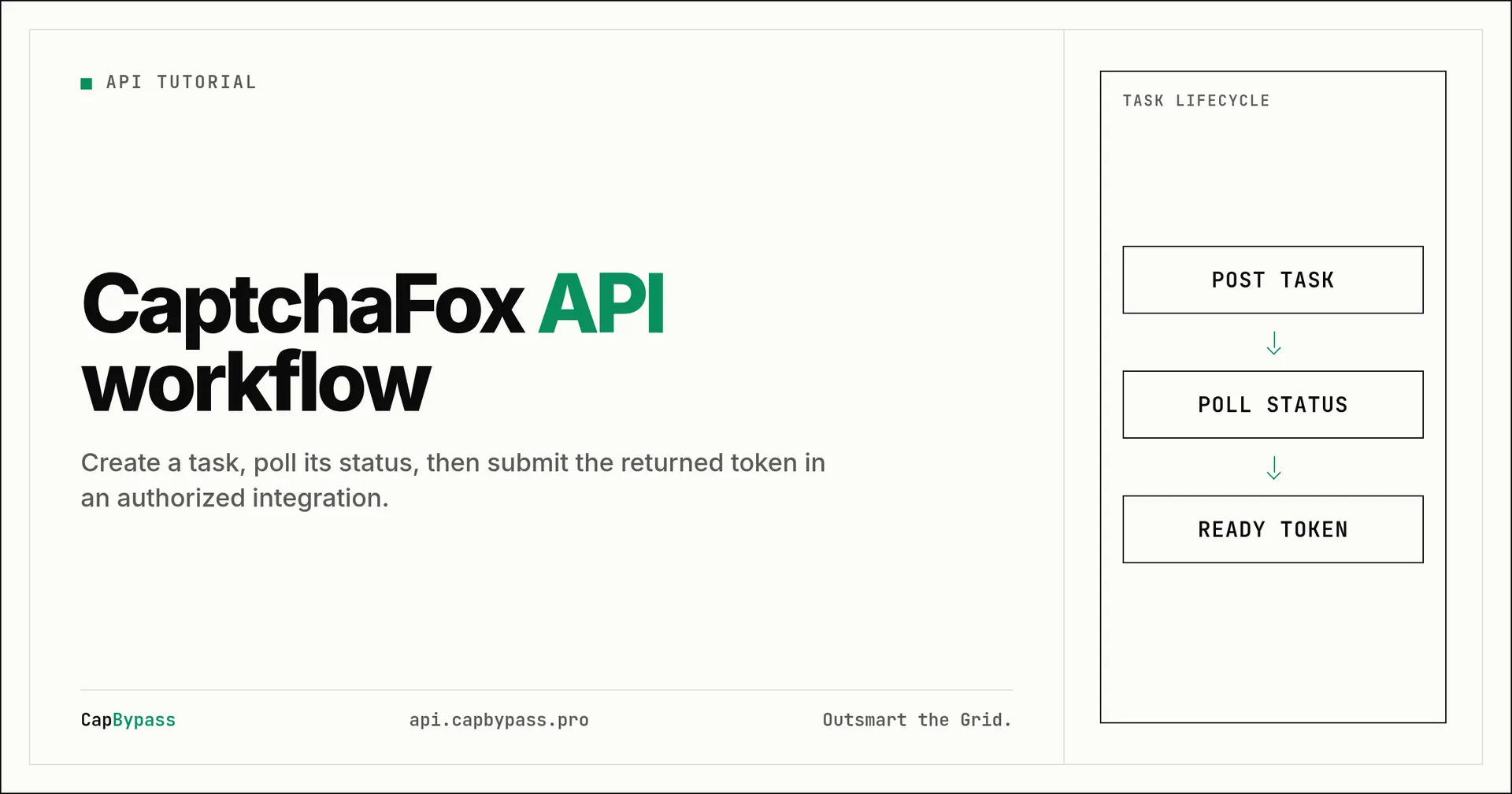
Set the API key once in your shell. The command creates a v4 proxyless task and saves the task identifier from the response. It then polls once per second until the status changes to ready or the API reports an error.
export CAPBYPASS_API_KEY="YOUR_API_KEY"

create_response=$(curl --fail-with-body --silent --show-error \
  --request POST "https://api.capbypass.pro/createTask" \
  --header "Content-Type: application/json" \
  --data '{
    "clientKey": "'"$CAPBYPASS_API_KEY"'",
    "task": {
      "type": "GeetestTask",
      "websiteURL": "https://example.com/login",
      "captchaId": "fcd636b4514bf7ac4143922550b3008b"
    }
  }')

task_id=$(python3 -c 'import json, sys; r=json.load(sys.stdin); assert r.get("errorId") == 0, r; print(r["taskId"])' <<<"$create_response")

while :; do
  result=$(curl --fail-with-body --silent --show-error \
    --request POST "https://api.capbypass.pro/getTaskResult" \
    --header "Content-Type: application/json" \
    --data '{"clientKey":"'"$CAPBYPASS_API_KEY"'","taskId":"'"$task_id"'"}')
  status=$(python3 -c 'import json, sys; r=json.load(sys.stdin); assert r.get("errorId", 0) == 0, r; print(r.get("status", ""))' <<<"$result")
  [ "$status" = "ready" ] && { printf '%s\n' "$result"; break; }
  sleep 1
done
A ready v4 response includes a solution object. The documented fields include captcha_id, lot_number, pass_token, gen_time, and captcha_output. Pass the complete set to the verification implementation that owns the authorized challenge flow. Do not treat pass_token alone as a replacement for all v4 fields.
Create and poll a task with Python
This example uses the standard library only. It checks HTTP failures, surfaces API errors, and bounds polling at two minutes rather than waiting forever.
import json
import os
import time
from urllib.request import Request, urlopen

API_KEY = os.environ["CAPBYPASS_API_KEY"]
BASE_URL = "https://api.capbypass.pro"

def post(path, payload):
    request = Request(
        BASE_URL + path,
        data=json.dumps(payload).encode(),
        headers={"Content-Type": "application/json"},
        method="POST",
    )
    with urlopen(request, timeout=30) as response:
        body = json.load(response)
    if body.get("errorId", 0):
        raise RuntimeError(body.get("errorDescription", str(body)))
    return body

task = {
    "type": "GeetestTask",
    "websiteURL": "https://example.com/login",
    "captchaId": "fcd636b4514bf7ac4143922550b3008b",
}
created = post("/createTask", {"clientKey": API_KEY, "task": task})
task_id = created["taskId"]

for _ in range(120):
    result = post("/getTaskResult", {"clientKey": API_KEY, "taskId": task_id})
    if result.get("status") == "ready":
        print(json.dumps(result["solution"], indent=2))
        break
    time.sleep(1)
else:
    raise TimeoutError("GeeTest task did not become ready within 120 seconds")
Keep the API key in an environment variable, not source control. If errorId is nonzero, log the error description without logging your key or full request body.
Create and poll a task with TypeScript
Node 18 or later supplies fetch. The code validates the API response before reading the task ID and uses the same bounded polling rule.
const apiKey = process.env.CAPBYPASS_API_KEY;
if (!apiKey) throw new Error("Set CAPBYPASS_API_KEY");

const baseUrl = "https://api.capbypass.pro";

async function post(path: string, payload: object): Promise<any> {
  const response = await fetch(baseUrl + path, {
    method: "POST",
    headers: { "Content-Type": "application/json" },
    body: JSON.stringify(payload),
  });
  if (!response.ok) throw new Error(`HTTP ${response.status}`);
  const body = await response.json();
  if (body.errorId) throw new Error(body.errorDescription ?? JSON.stringify(body));
  return body;
}

const task = {
  type: "GeetestTask",
  websiteURL: "https://example.com/login",
  captchaId: "fcd636b4514bf7ac4143922550b3008b",
};
const created = await post("/createTask", { clientKey: apiKey, task });

for (let attempt = 0; attempt < 120; attempt += 1) {
  const result = await post("/getTaskResult", {
    clientKey: apiKey,
    taskId: created.taskId,
  });
  if (result.status === "ready") {
    console.log(JSON.stringify(result.solution, null, 2));
    break;
  }
  await new Promise((resolve) => setTimeout(resolve, 1000));
  if (attempt === 119) throw new Error("GeeTest task timed out");
}
Use the result in the authorized flow
The return payload is structured data, not a single universal token. Preserve the fields exactly and submit them only where the authorized application expects GeeTest v4 verification data. If the application requires the solver user agent, use the value returned by the API rather than combining result fields from different tasks.
Retries should create a new task only after you have handled a terminal error or timeout. Reusing an old task ID does not refresh a challenge. Record the task ID and status for debugging, redact credentials, and apply a finite retry budget so a broken page does not create an unbounded queue.
Bonus: +5% credits on every top-up
New to CapBypass? Apply code
WELCOME_2026at checkout for an extra 5% in credits on every top-up, with no minimum and no expiry. Redeem it on the top-up page.
Troubleshoot request mismatches
A v4 request needs captchaId; a v3 request needs both gt and challenge. Check this distinction first when a task is rejected. Next, confirm the exact protected-page URL and extract values again from the page you are authorized to test. Challenge values can be page- and session-specific.
Finally, poll getTaskResult instead of assuming that a successful createTask response contains a solution. createTask returns the task identifier. A solution appears only when getTaskResult reports status: ready.
Ready to start solving CAPTCHAs?
Get started with CapBypass in minutes. No credit card required.