Debug CaptchaFox own-proxy task configuration
Validate documented CaptchaFoxTask own-proxy inputs, create tasks, poll results with bounds, and keep routing evidence safe in authorized flows.
 capbypass-bob
Debug CaptchaFox own-proxy task configuration
A CaptchaFox own-proxy task configuration has one important difference from the proxyless flow: CaptchaFoxTask must carry the proxy that the target session uses. The current CapBypass documentation lists CaptchaFoxTask as the own-proxy task type, requires websiteURL and websiteKey, and requires a proxy for that type. This guide shows how to validate those fields before you submit an authorized automation task.
Use this flow only where you are authorized to automate the target. Keep the browser or HTTP session, its target URL, and its proxy routing consistent. A task result is useful only when the calling application can use it in the intended authorized session.
Confirm the task type before debugging
Start with the exact task type. CapBypass documents two CaptchaFox variants: CaptchaFoxTaskProxyLess, which uses the service proxy pool, and CaptchaFoxTask, which requires your proxy. Do not add a proxyless type to an own-proxy payload or add undocumented fields to compensate for a routing problem.
The documented create endpoint is https://api.capbypass.pro/createTask. A valid own-proxy task has this shape:
{
  "clientKey": "YOUR_API_KEY",
  "task": {
    "type": "CaptchaFoxTask",
    "websiteURL": "https://signup.gmx.com/",
    "websiteKey": "sk_xxx...xxxx",
    "proxy": "host:port:user:pass"
  }
}
The sample values above are the documented request pattern, not values to copy into a production request. In your integration, verify the following before a request leaves your service:
| Field | Check |
|---|---|
task.type |
It is exactly CaptchaFoxTask, including casing. |
task.websiteURL |
It is the page URL containing the CaptchaFox challenge. |
task.websiteKey |
It is the CaptchaFox site key collected from that authorized page. |
task.proxy |
It is present in host:port:user:pass format and is the proxy selected for the target session. |
clientKey |
It comes from a secret store or environment variable, never source code or client-side JavaScript. |
A field can be syntactically present and still be wrong for the session. For example, a login URL from one host and a site key from another host are not interchangeable. Record the page URL, site key source, proxy identifier, task ID, and result status in your server logs, without logging credentials.
Send a minimal createTask request
Keep the first request small. The documented CaptchaFox own-proxy payload does not need a browser fingerprint, a user agent field, or an invented vendor option. Send only the documented fields, then inspect the response before adding application-specific handling.
export CAPBYPASS_API_KEY='replace-with-your-api-key'

curl --request POST 'https://api.capbypass.pro/createTask' \
  --header 'Content-Type: application/json' \
  --data '{
    "clientKey": "'"$CAPBYPASS_API_KEY"'",
    "task": {
      "type": "CaptchaFoxTask",
      "websiteURL": "https://signup.gmx.com/",
      "websiteKey": "sk_xxx...xxxx",
      "proxy": "host:port:user:pass"
    }
  }'
The create response documents errorId and, on successful creation, taskId. Treat a nonzero errorId, a missing task ID, or a non-JSON response as a failed create operation. Do not begin polling when creation did not return a task ID.
For a service that receives URL, site key, and proxy values from a trusted internal caller, validate them at the boundary. The example below rejects missing fields and only sends the documented request structure.
import json
import os
import urllib.request

api_key = os.environ["CAPBYPASS_API_KEY"]
payload = {
    "clientKey": api_key,
    "task": {
        "type": "CaptchaFoxTask",
        "websiteURL": "https://signup.gmx.com/",
        "websiteKey": "sk_xxx...xxxx",
        "proxy": "host:port:user:pass",
    },
}

request = urllib.request.Request(
    "https://api.capbypass.pro/createTask",
    data=json.dumps(payload).encode("utf-8"),
    headers={"Content-Type": "application/json"},
    method="POST",
)
with urllib.request.urlopen(request, timeout=30) as response:
    created = json.load(response)

if created.get("errorId") != 0 or not created.get("taskId"):
    raise RuntimeError(f"createTask failed: {created}")
print(created["taskId"])
The important debugging boundary is before the request, not after it. If websiteURL, websiteKey, and proxy came from different sessions, fix that collection path. Repeatedly resubmitting an inconsistent payload does not establish that the service or site is at fault.
Poll the documented result endpoint with bounds
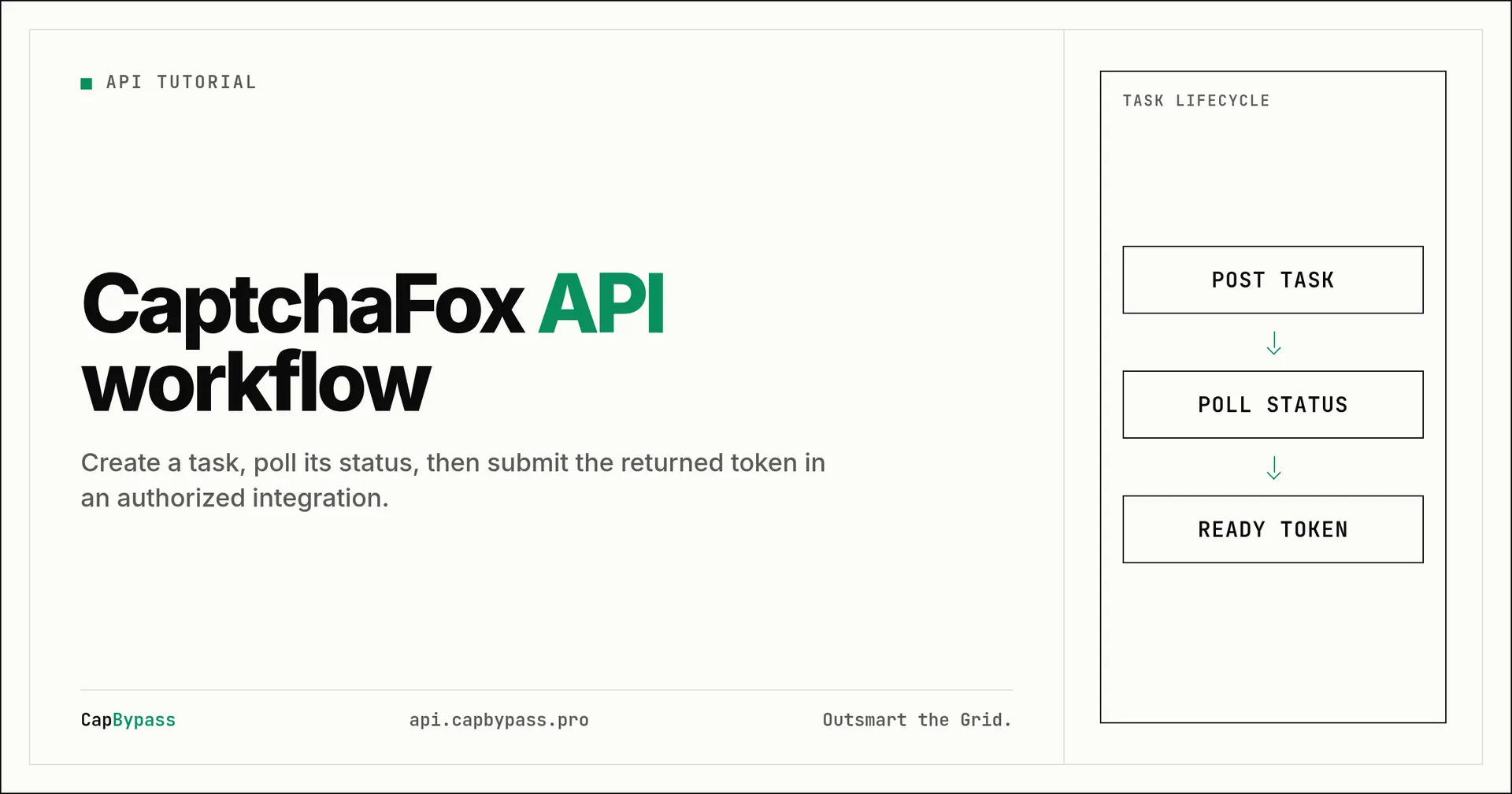
CapBypass documents POST /getTaskResult for task status checks. Poll it with the taskId returned from createTask. Use a finite attempt count and a delay so a service failure cannot turn into an unbounded worker loop.
const apiKey = process.env.CAPBYPASS_API_KEY;
if (!apiKey) throw new Error("CAPBYPASS_API_KEY is required");

async function getTaskResult(taskId: string) {
  const response = await fetch("https://api.capbypass.pro/getTaskResult", {
    method: "POST",
    headers: { "Content-Type": "application/json" },
    body: JSON.stringify({ clientKey: apiKey, taskId }),
  });
  if (!response.ok) throw new Error(`HTTP ${response.status}`);
  return response.json();
}

async function waitForResult(taskId: string) {
  for (let attempt = 0; attempt < 30; attempt += 1) {
    const result = await getTaskResult(taskId);
    if (result.errorId !== 0) throw new Error(JSON.stringify(result));
    if (result.status === "ready") return result;
    await new Promise((resolve) => setTimeout(resolve, 2000));
  }
  throw new Error("Timed out waiting for task result");
}
Store the task ID with the request correlation ID, not with an API key. When a task reaches ready, pass the documented result value only to the authorized application flow that created the task. If the target session is no longer using the same proxy or page context, stop and refresh your own authorized workflow rather than attempting to reuse stale output.
Triage configuration failures in order
A predictable triage order reduces noise:
- Confirm that the task type is exactly
CaptchaFoxTask. This distinguishes own-proxy tasks fromCaptchaFoxTaskProxyLess. - Confirm the page URL contains the CaptchaFox challenge and was captured from the current authorized flow.
- Confirm the site key came from that page and has not been copied from a different tenant or host.
- Confirm
proxyis present for the own-proxy type and follows the documentedhost:port:user:passpattern. - Confirm your application keeps the corresponding target request on that proxy after it receives a result.
- Check the create response before polling. A task ID is the prerequisite for
getTaskResult. - Stop after a bounded number of polls and surface the task ID and non-secret response fields to the operator.
This order separates input mistakes from lifecycle mistakes. It also avoids a common operational error: changing task type, URL, key, and proxy at the same time. Change one verified input at a time and retain the request correlation ID so the next test has a clear comparison point.
Add a request validation gate to your worker
A small validation gate makes configuration mistakes visible before the remote call. Accept the site inputs only from the server-side code that owns the authorized workflow. Require a nonempty URL, site key, and proxy. Require the task type to be a fixed application constant rather than a value supplied by a browser client. This prevents a caller from silently switching an own-proxy job into a different task family.
Use a separate internal correlation ID for each create attempt. Attach it to the create timestamp, task ID, and final status. Do not use a retry loop that creates a new task whenever a poll is slow. A poll is a status check for an existing task, while a create call starts a separate unit of work. The distinction helps operators identify whether an incident is caused by malformed inputs, a target-session change, or a result that is still pending.
Before the authorized application consumes a result, verify that it still has the session context that supplied the URL, key, and proxy. If the workflow navigated to a different host, refreshed identity state, or selected a new proxy, send the request back through your normal collection and validation path. This is safer than treating a task result as a durable credential.
Keep proxy data and secrets out of observability output
Own-proxy debugging needs evidence, but logs should not become a second secret store. Log the task type, a URL host if your policy allows it, a proxy identifier that is not the proxy credential, the create timestamp, task ID, response status, and poll count. Redact clientKey, full proxy strings, and any result value before writing logs or issue tickets.
Use environment variables or a secrets manager for the API key. Do not put it in a static configuration committed to a repository. If the proxy rotates, keep the routing decision in the same server-side component that submits the task and makes the authorized target request. That makes it possible to diagnose mismatched routing without exposing credentials in application telemetry.
Bonus: +5% credits on every top-up
New to CapBypass? Apply code
WELCOME_2026at checkout for an extra 5% in credits on every top-up, with no minimum and no expiry. Redeem it on the top-up page.
Faq
Why does my own-proxy request need CaptchaFoxTask instead of the proxyless type?
The current documentation distinguishes the two task types. CaptchaFoxTask is the variant that requires your proxy, while CaptchaFoxTaskProxyLess uses the service proxy pool. Select the type that matches the routing model of your authorized application.
Which fields are required for a CaptchaFox own-proxy task?
The documentation requires websiteURL and websiteKey in the task. It also states that a proxy is required for CaptchaFoxTask. The request itself includes clientKey and uses POST /createTask.
Should I keep polling after a failed create response?
No. Poll only after a create response supplies a task ID. A create error should be investigated as an input, account, or service response problem before any result request is made.
Can I reuse a result in a different session?
Do not assume that you can. Keep the output within the authorized flow that supplied the page inputs and proxy. If your session changes, validate that flow again rather than carrying output into a different context.
Where can I check the current request schema?
Use the CaptchaFox documentation before deploying changes. It is the source for the supported task types, create request fields, proxy requirement, and result endpoint.
Ready to start solving CAPTCHAs?
Get started with CapBypass in minutes. No credit card required.