Captcha solving with Playwright
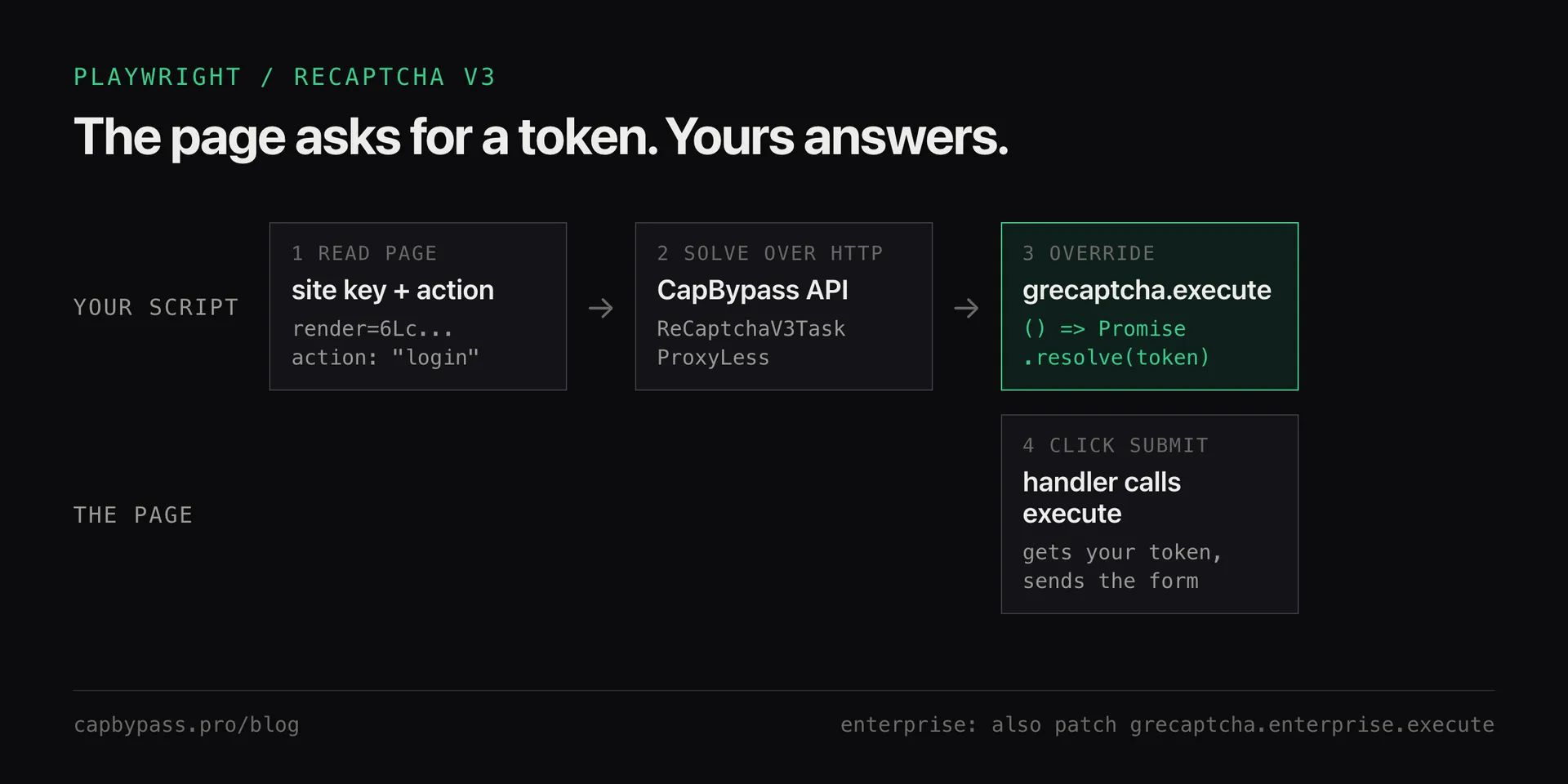
Keep your Playwright flow and offload the captcha: read the reCAPTCHA v3 site key and action, get a token from CapBypass over HTTP, make grecaptcha.execute return it, and submit.
 capbypass-bob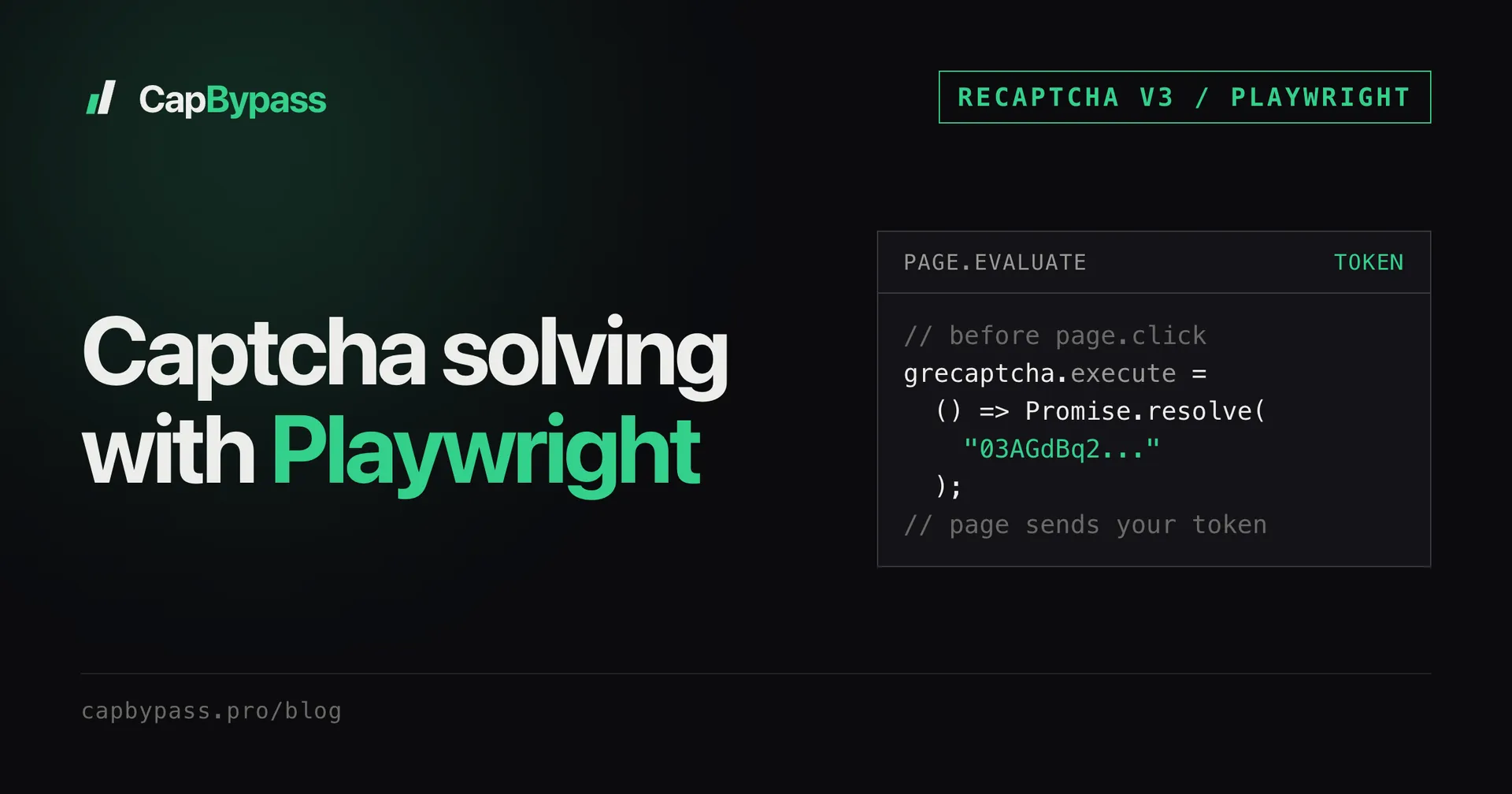
Playwright drives a real browser, so people expect captchas to just work - but reCAPTCHA v3 still scores the session and lets the site reject automated traffic. This post keeps your Playwright flow and offloads only the token: read the site key and action from the page, get a token from CapBypass over HTTP, hand it to the page's own grecaptcha.execute call, and submit.
why playwright still hits captchas
A real browser clears the "can it run JavaScript" bar, but reCAPTCHA v3 goes further - it scores behaviour and device signals. Automated Playwright sessions often score low enough to be silently rejected. You still end up needing a token the site will accept.
Rather than fight the in-page scoring, solve it out of band and make the page use that token when it asks for one.
detecting the challenge on the page
reCAPTCHA v3 has no widget to click. The page loads api.js?render=<siteKey> and calls grecaptcha.execute(siteKey, {action}) when the form is submitted. Read both from the page Playwright already has open:
import re

async def get_recaptcha_params(page):
    el = await page.query_selector('script[src*="render="]')
    if not el:
        return None
    key = re.search(r"render=([\w-]+)", await el.get_attribute("src")).group(1)
    m = re.search(r"action:\s*['\"]([^'\"]+)", await page.content())
    return key, (m.group(1) if m else "homepage")
If a key comes back, the page is gated and you solve before submitting. If the action isn't in the HTML, it is in a bundled script: see reCAPTCHA action mismatch for how to log it.
solving via the api
Your Playwright script calls the CapBypass HTTP API for the token - no second browser, just a request. Use the Python SDK:
import os
from capbypass import CapBypass

solver = CapBypass(api_key=os.environ["CAPBYPASS_API_KEY"])

def solve(url: str, key: str, action: str) -> str:
    solution = solver.solve({
        "type": "ReCaptchaV3TaskProxyLess",
        "websiteURL": url,
        "websiteKey": key,
        "pageAction": action,
    })
    return solution["gRecaptchaResponse"]
solve() is a blocking call. In a busy async script, run it with await asyncio.to_thread(solve, url, key, action) so the event loop keeps going.
handing the token to the page
The site's own submit handler calls grecaptcha.execute(...) and puts whatever it resolves to into the request. Replace execute with a function that resolves to your solved token, then submit as a user would:
async def pass_recaptcha(page, url):
    key, action = await get_recaptcha_params(page)
    token = solve(url, key, action)

    await page.wait_for_function("window.grecaptcha && window.grecaptcha.execute")
    await page.evaluate(
        """(t) => {
            const fake = () => Promise.resolve(t);
            grecaptcha.execute = fake;
            if (grecaptcha.enterprise) grecaptcha.enterprise.execute = fake;
        }""",
        token,
    )

    await page.click("button[type=submit]")
The page code is untouched: grecaptcha.ready() still fires and the submit handler still builds its own request. Only the token source changes.
enterprise keys and execute on page load
Same shape, two variations:
- Enterprise: the page loads
enterprise.js?render=<siteKey>and callsgrecaptcha.enterprise.execute. Detect it withscript[src*="enterprise.js"]and solve withReCaptchaV3EnterpriseTaskProxyLess. The override above already patchesgrecaptcha.enterprise.execute. More in the reCAPTCHA Enterprise solver guide. - Execute on page load: some pages request the token as soon as the script is ready, before you can patch it. Solve first (the key and action don't change between visits), then install the override before navigation so it is in place when the page asks:
await page.add_init_script(f"""
  const fake = () => Promise.resolve({json.dumps(token)});
  const lock = (o) => Object.defineProperty(o, "execute", {{
    configurable: true, get: () => fake, set: () => {{}},
  }});
  let g;
  Object.defineProperty(window, "grecaptcha", {{
    configurable: true,
    get: () => g,
    set: (v) => {{
      g = v; lock(g);
      let e = g.enterprise;
      Object.defineProperty(g, "enterprise", {{
        configurable: true, get: () => e, set: (x) => {{ e = x; lock(e); }},
      }});
      if (e) lock(e);
    }},
  }});
""")
await page.goto(url)
Add import json at the top for that one. The script traps the assignment of window.grecaptcha, so execute stays yours even when Google's script defines it later. We checked both variants in headless Chrome against Google's real api.js and enterprise.js: the page's own execute call resolved to the injected token. See the reCAPTCHA v3 docs for the full task schema.
Bonus: +5% credits on every top-up
New to CapBypass? Apply code
WELCOME_2026at checkout for an extra 5% in credits on every top-up, with no minimum and no expiry. Redeem it on the top-up page and put it toward your first solves.
things that go wrong
- Override set but the old token is sent. The page called
executebefore your patch. Use theadd_init_scriptversion above. - Token accepted by Google, rejected by the site. The action doesn't match. Send exactly what the page passes to
execute, case included. - Low v3 score even from a browser. Playwright sessions can score low; solving through the API takes the score off your browser session. See why your reCAPTCHA v3 score is low.
- Stale token. Solve right before submitting; tokens expire in about 2 minutes and are single-use.
faq
Does CapBypass run the browser for me? No - you run Playwright. CapBypass solves the captcha over HTTP and returns a token; you hand it to your own page. It is a plain API call from inside your script.
Where does the token go in Playwright?
Nowhere you write by hand. Override grecaptcha.execute (and grecaptcha.enterprise.execute) so it resolves to the solved token, and the page's submit handler puts it in the request itself.
Why is my session still blocked with a valid token?
On reCAPTCHA v3 a valid token can still be rejected if the action differs from what the site expects. Match the pageAction to the page's execute call.
Playwright or just the HTTP API? If the site works without a browser, the plain HTTP approach is cheaper and faster: see add captcha solving to a Python scraper. Use Playwright only when the page genuinely needs a rendered session for the rest of the flow.
Ready to start solving CAPTCHAs?
Get started with CapBypass in minutes. No credit card required.