Add captcha solving to a Python scraper
Wire CapBypass into a requests/httpx scraper: detect the captcha, solve it, inject the g-recaptcha-response token, and retry - no browser.
 capbypass-bob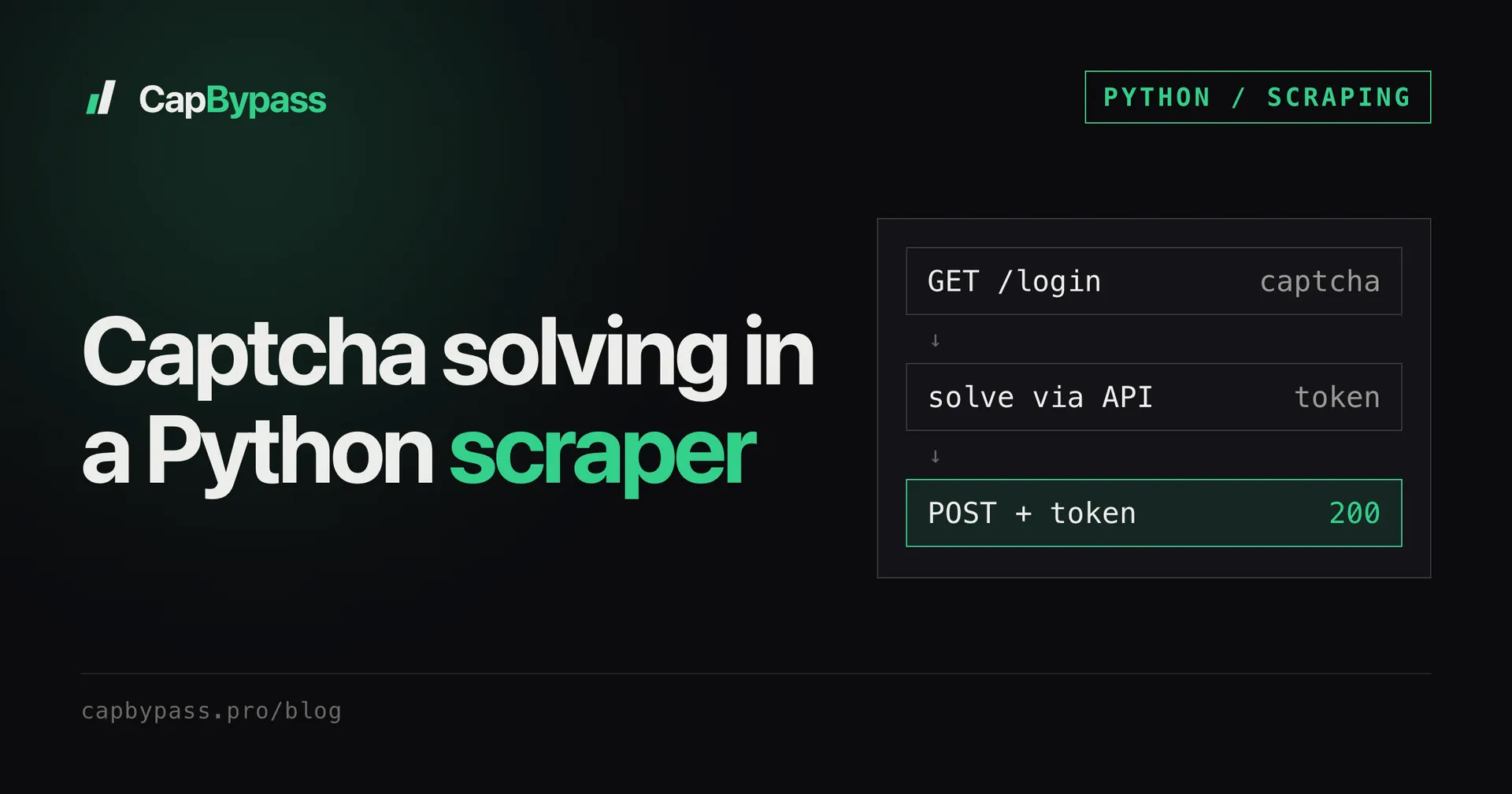
Your requests scraper runs fine until a target drops a reCAPTCHA on the login or search page, and then every response is the challenge instead of the data. This post wires CapBypass into a plain Python scraper: detect the captcha, solve it through the API, inject the token, and retry - no browser.
when your scraper hits a captcha
A captcha shows up as a page that is not your data: a reCAPTCHA v3 script (api.js?render=<siteKey> and a grecaptcha.execute call) or an AWS WAF challenge. With requests/httpx you cannot run the widget's JavaScript, so the form never gets a valid token and the server rejects the submit.
The fix is to get that token from a solving API and submit it yourself.
detecting it
Recognise the challenge deterministically before you waste a submit:
import re

def needs_recaptcha(html: str) -> bool:
    return "grecaptcha.execute" in html or "recaptcha/api.js?render=" in html

def site_key(html: str) -> str | None:
    m = re.search(r'api\.js\?render=([\w-]+)', html)
    return m.group(1) if m else None

def page_action(html: str) -> str:
    m = re.search(r"action:\s*['\"]([^'\"]+)", html)
    return m.group(1) if m else "homepage"
If needs_recaptcha is true, pull the site key and the action from the page and solve before submitting. The action matters: a token minted for the wrong one is rejected (see reCAPTCHA action mismatch).
solving via capbypass
Send the site URL and key to CapBypass and read the token back. Use the Python SDK:
import os
from capbypass import CapBypass

solver = CapBypass(api_key=os.environ["CAPBYPASS_API_KEY"])

def solve_recaptcha(url: str, key: str, action: str) -> str:
    solution = solver.solve({
        "type": "ReCaptchaV3TaskProxyLess",
        "websiteURL": url,
        "websiteKey": key,
        "pageAction": action,
    })
    return solution["gRecaptchaResponse"]
solve() handles the create-task / poll loop for you and returns once the token is ready.
injecting the token and retrying
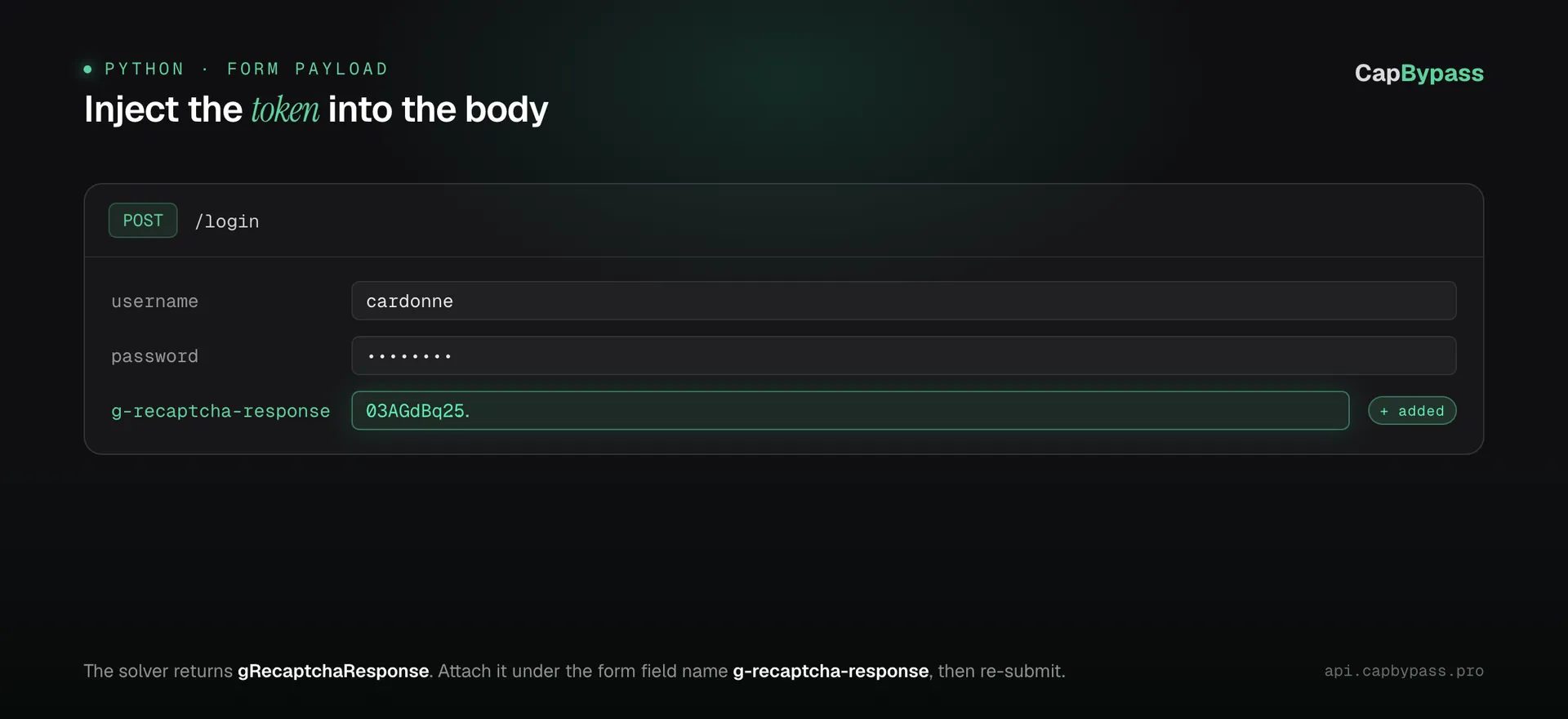
The token goes into the form field the page's own JavaScript fills, usually g-recaptcha-response (check the real POST in DevTools). Add it to the POST body you were already sending:
import requests

session = requests.Session()

def login(url: str, username: str, password: str):
    page = session.get(url).text
    payload = {"username": username, "password": password}

    if needs_recaptcha(page):
        token = solve_recaptcha(url, site_key(page), page_action(page))
        payload["g-recaptcha-response"] = token   # submit immediately

    return session.post(url, data=payload)
For challenge-based protection like AWS WAF the solution is a cookie, not a form field - set it on session.cookies and reuse the returned userAgent instead of adding a body field.
a retry pattern
Tokens are single-use and expire fast, so solve as late as possible (right before the submit) and retry once on a captcha response rather than reusing a stale token:
def submit_with_retry(url, payload, attempts=2):
    for _ in range(attempts):
        resp = session.post(url, data=payload)
        if not needs_recaptcha(resp.text):
            return resp
        payload["g-recaptcha-response"] = solve_recaptcha(url, site_key(resp.text), page_action(resp.text))
    return resp
Bonus: +5% credits on every top-up
New to CapBypass? Apply code
WELCOME_2026at checkout for an extra 5% in credits on every top-up, with no minimum and no expiry. Redeem it on the top-up page and put it toward your first solves.
things that go wrong
- Stale token. Solving at the top of the run and submitting minutes later fails with
timeout-or-duplicate. Solve right before the submit. - Wrong site key. Read the
render=key from the live page each run; do not hardcode it. - Wrong action. The token is minted for the
pageActionyou send (homepageif you send none). Send the action the page passes togrecaptcha.execute. See the reCAPTCHA v3 docs.
faq
Does this work with httpx instead of requests?
Yes. The flow is identical - swap requests.Session() for httpx.Client(); you still inject g-recaptcha-response into the POST data or set the cookie on the client.
Do I need a real browser? No. The solving API runs the challenge for you; your scraper stays a plain HTTP client and just submits the returned token or cookie.
Where do I put the token?
In the form field the page submits, usually g-recaptcha-response for reCAPTCHA. For AWS WAF set the returned cookie on your session instead.
How do I avoid solving on every request?
Only solve when needs_recaptcha is true. Most requests in a session will not be challenged once you are past the gated page.
Ready to start solving CAPTCHAs?
Get started with CapBypass in minutes. No credit card required.